
The Drivers You Never See — But Always Feel
Underneath every click and key press, a quiet army of system drivers is making sure your processor, memory, storage, and motherboard all work as one.

Underneath every click and key press, a quiet army of system drivers is making sure your processor, memory, storage, and motherboard all work as one.
Your motherboard's chipset is the conductor of the orchestra inside your PC. The chipset driver tells the operating system exactly how to talk to that conductor — how to route data between the CPU and memory, how to coordinate USB and storage controllers, and how to handle power management for the whole system.
A correct chipset driver is one of the most important reasons a PC feels snappy. The wrong one can cause subtle slowdowns that no benchmark will easily reveal.
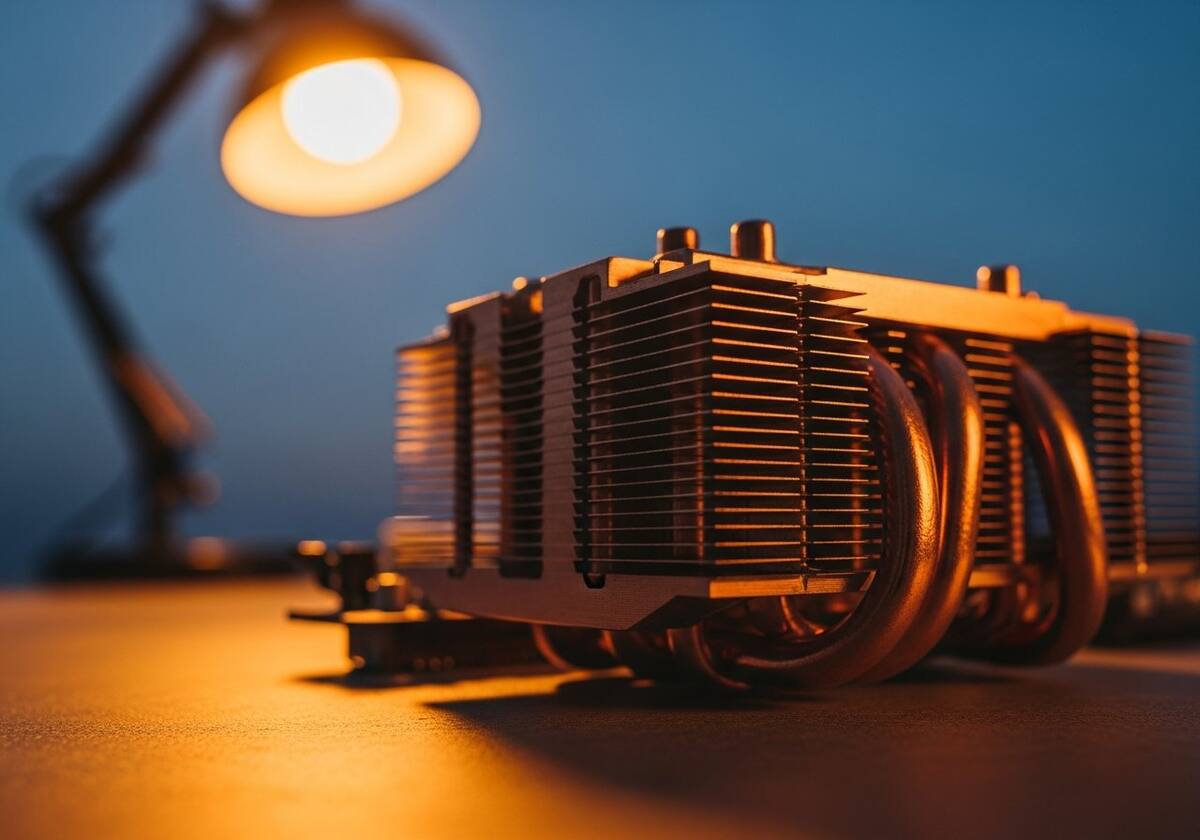
Storage drivers manage how your operating system reads and writes data to your SSD or hard drive. Modern NVMe SSDs are so fast that their drivers must be carefully optimised, or you simply will not see the speeds the marketing promised.
For most people, the storage driver that ships with the operating system is excellent. Power users who want every last drop of performance sometimes install the chipset maker's storage driver for additional features and tuning.
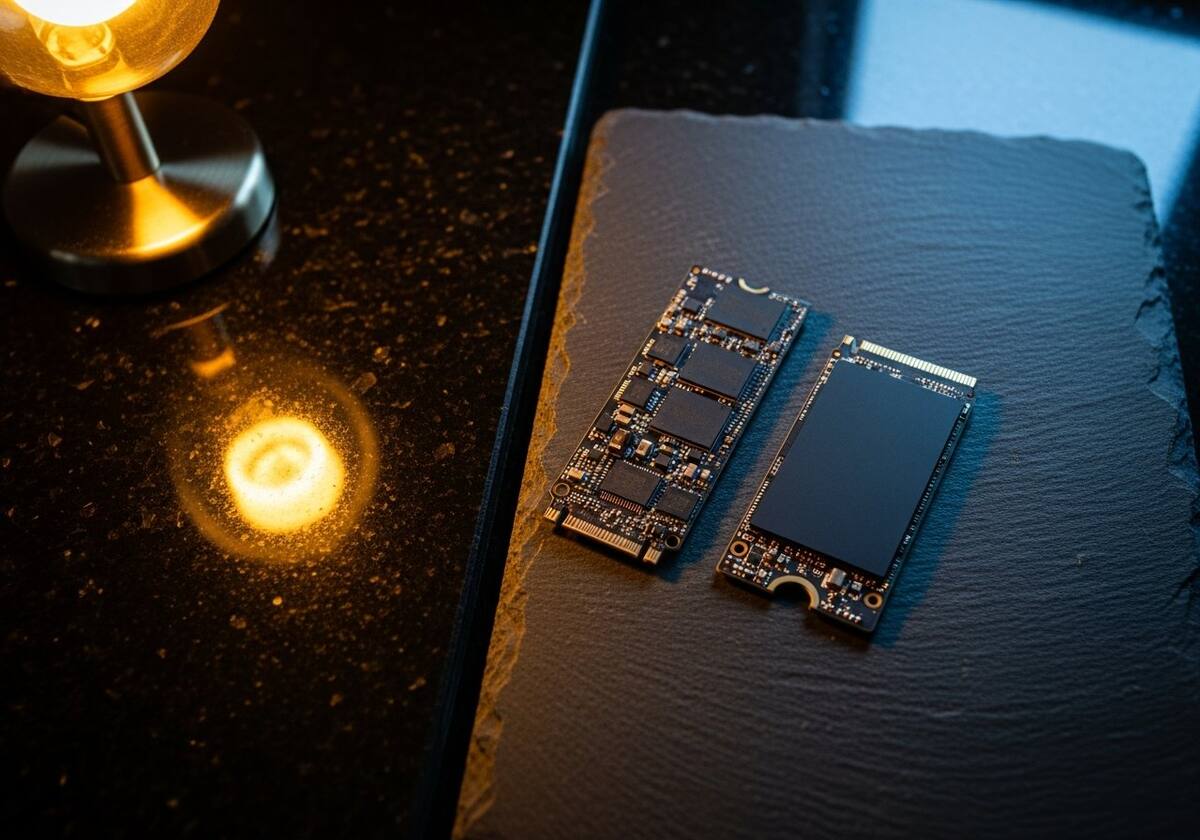
The questions readers send us most often about system drivers explained.
Yes. The OS often picks generic placeholders. Installing the official chipset driver from your motherboard or laptop maker is one of the highest-impact tweaks you can do.
For everyday use, the built-in driver is excellent. For maximum performance and advanced features, your chipset maker often provides a tuned storage driver.
Our friendly overview covers every major hardware category — from the device on your desk to the chips inside your laptop.
Hand-picked recent additions in this category.