
The Universal Translator for Plug-and-Play Devices
Plug something in, and within a second your computer knows what it is and how to talk to it. That little feat of engineering is the USB driver stack at work.

Plug something in, and within a second your computer knows what it is and how to talk to it. That little feat of engineering is the USB driver stack at work.
When you connect a USB device, your computer goes through a quick negotiation called enumeration. The USB driver stack identifies the device, looks up which class it belongs to (keyboard, storage, audio, video, etc.), and either loads a generic driver for that class or a specific one supplied by the manufacturer.
This is why most simple devices "just work" — the operating system already includes class drivers for common categories.
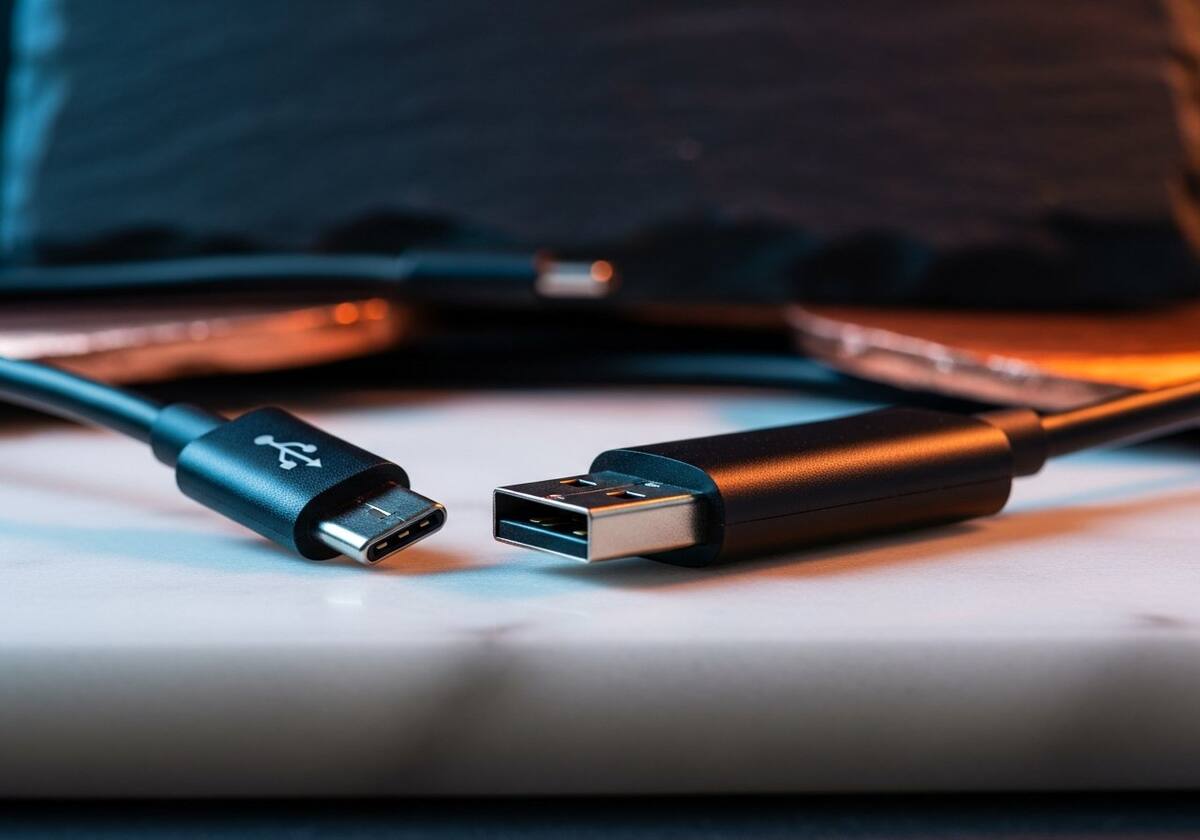
For everyday keyboards and mice, the standard input driver in your operating system is more than enough. Where it gets interesting is with gaming mice and mechanical keyboards that come with their own software for macros, lighting, and custom profiles. That extra software talks to a vendor driver that exposes the device's advanced features.
If a fancy keyboard or mouse stops responding to its custom features, the first thing to try is a quick reinstall of the manufacturer's software, which usually refreshes the driver as well.
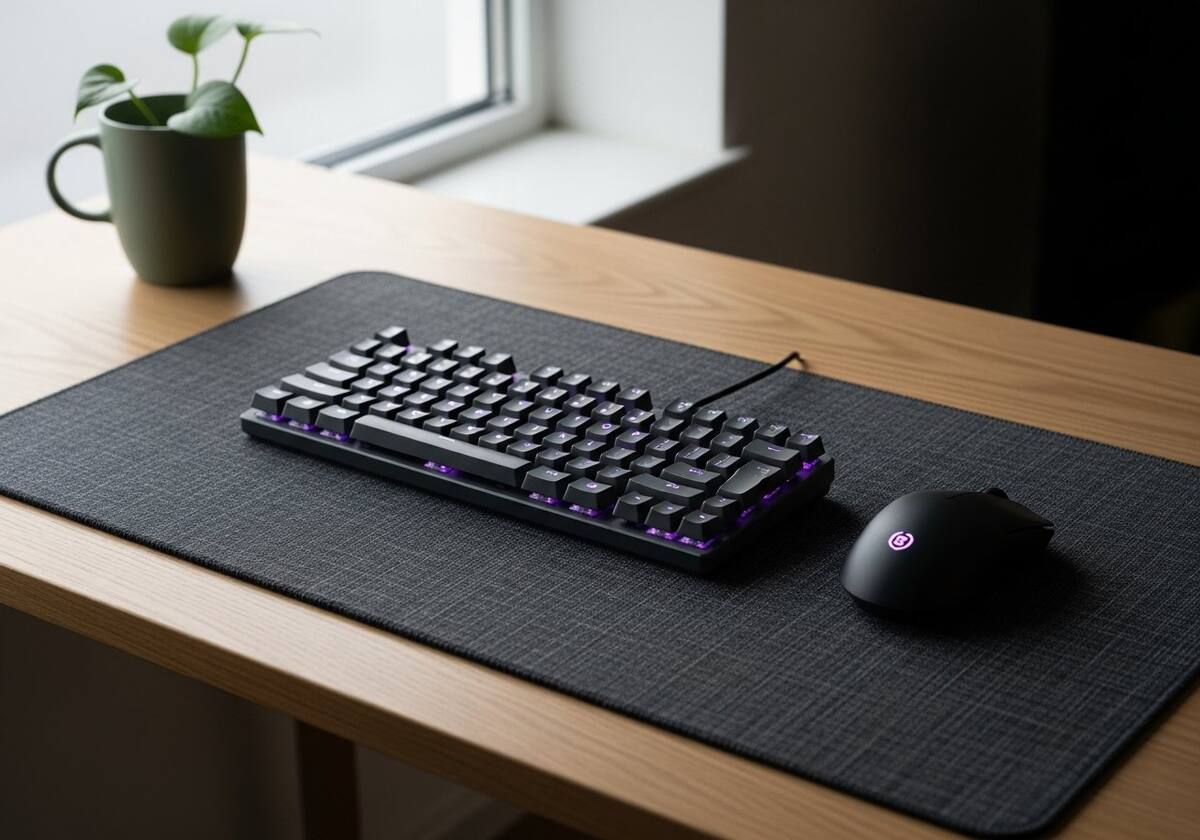
Bluetooth devices have their own driver stack on top of the regular USB stack, because most laptops have a Bluetooth controller that talks to the system over USB internally. That is why you sometimes see "Bluetooth" appear under USB devices in your system tools.
Pairing problems, audio that lags, and devices that disconnect randomly are usually a Bluetooth driver issue rather than a hardware one — and again, the manufacturer's latest driver is your best first move.
The questions readers send us most often about usb & device drivers explained | printsoftdriver.
Try a different cable, then a different port, then reinstall the device's driver. If those fail, the device itself or the port may be at fault.
No. Storage devices use a built-in class driver. If a drive is not showing up, check the cable, the port, and the drive's own health.
Our friendly overview covers every major hardware category — from the device on your desk to the chips inside your laptop.