Linux Mint and Drivers — Pick One, Click Apply
A relaxed look at the Driver Manager utility and the small number of decisions Mint asks you to make.

A relaxed look at the Driver Manager utility and the small number of decisions Mint asks you to make.
Linux Mint ships with a graphical Driver Manager that scans your hardware and lists every driver the system can offer for it. For each device it shows the open-source and proprietary options side by side, with a short note explaining what each one is good for.
You pick a row, click Apply Changes, enter your password, and wait for the install. A reboot finishes the swap. There is no shell editing required.

For most users on integrated graphics, the open-source stack is faster, more reliable, and updates with the rest of the system. Mint defaults to it and that default is usually the right one.
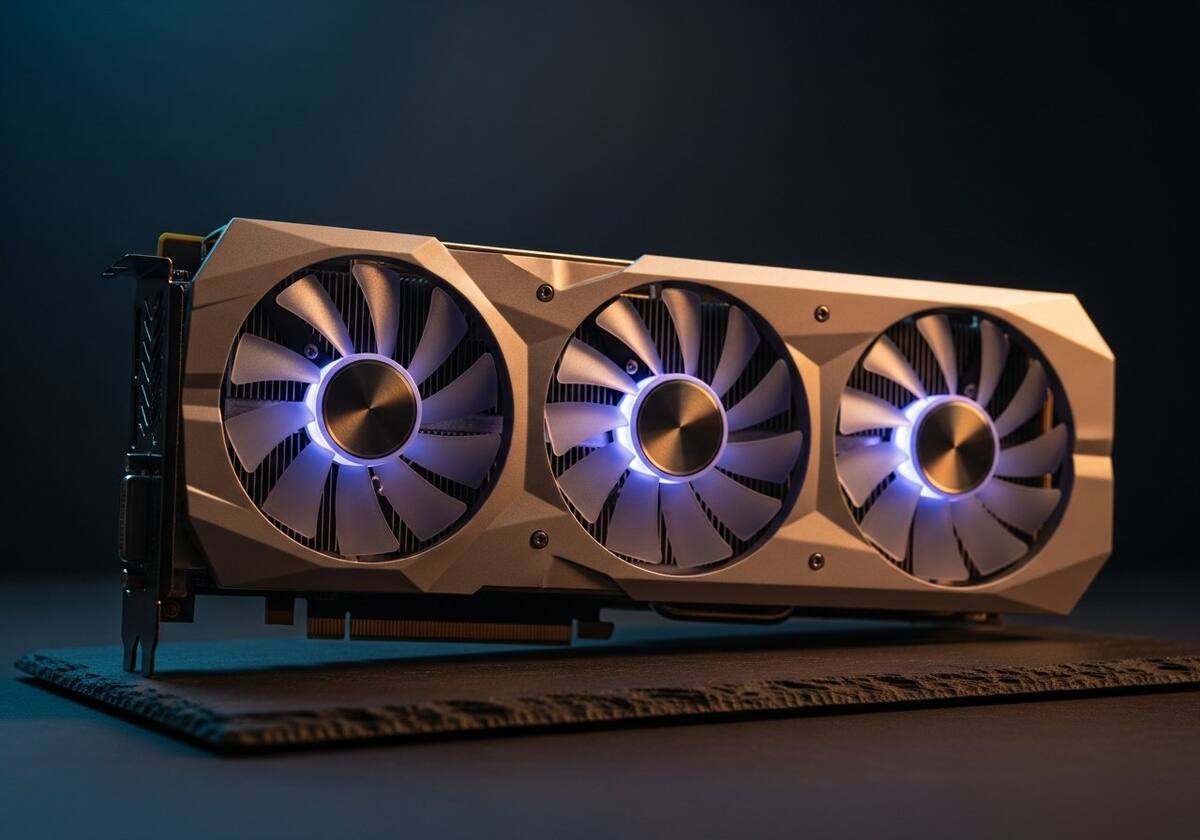
If you do creative work or play newer titles, the proprietary graphics driver may give you noticeably better performance — Driver Manager is the place to switch.
Some unusual hardware needs a vendor-supplied module that is not in any repository. Mint inherits Dkms from its Ubuntu base, so building such a module against your running kernel is straightforward and survives kernel updates.
For everything else, the rule of thumb is "if Driver Manager does not list it, you do not need it" — Mint's defaults cover the overwhelming majority of consumer hardware.

Hand-picked articles that pair well with this one.
Plain-English explainers, fix walkthroughs, and concept articles for every part of your system.