Pop!_OS and Drivers — Designed Around the Hardware
A relaxed look at how Pop!_OS handles graphics drivers, hybrid laptops, and the tools System76 ships for its own machines.

A relaxed look at how Pop!_OS handles graphics drivers, hybrid laptops, and the tools System76 ships for its own machines.
Pop!_OS publishes two installer images — one with the open-source graphics stack and one with the graphics chipset vendor proprietary driver bundled. Picking the right image at install time avoids the post-install switch and gets you to a working desktop on the first boot.
On hybrid laptops with both an integrated and a discrete graphics chip, the graphics chipset vendor image also includes the helpers that switch between the two depending on power state.
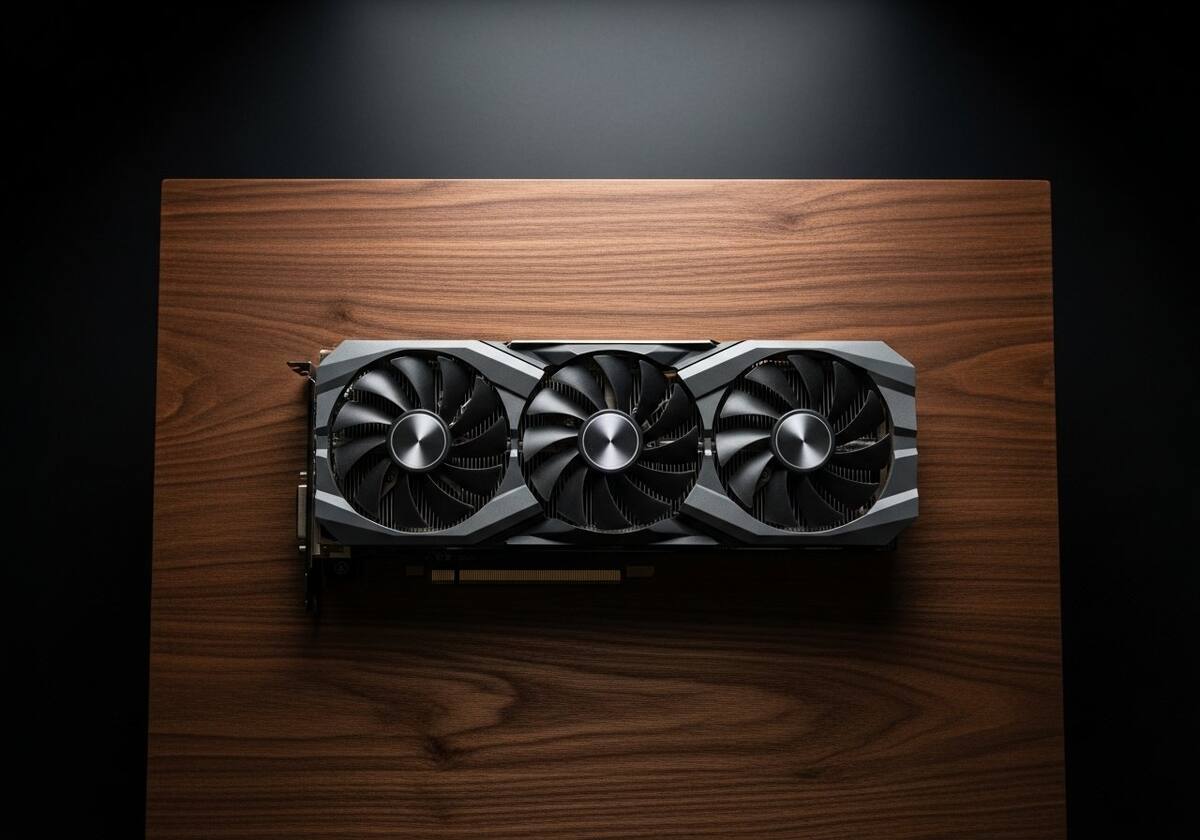
For System76 hardware, Pop!_OS ships a firmware manager that surfaces firmware updates from the device manufacturer through the same desktop notifications as software updates. For other hardware, the standard fwupd tool covers most components.
Keeping firmware current often resolves issues that look like driver problems — fingerprint readers, Bluetooth radios, and storage controllers are common beneficiaries.
Pop!_OS inherits Dkms from its Ubuntu base, so vendor-supplied modules build cleanly against running kernels. For machine-learning users, Pop!_OS also ships tooling that wraps Tensorflow and Cuda environments without touching system drivers.
The general feel is hardware-aware out of the box — much of the friction other distributions ask you to handle is already smoothed over.

Hand-picked articles that pair well with this one.
Plain-English explainers, fix walkthroughs, and concept articles for every part of your system.