Webcam Drivers, Demystified for Everyday Users
How webcams talk to your operating system, why most of them work without any extra install, and what the special drivers add.

How webcams talk to your operating system, why most of them work without any extra install, and what the special drivers add.
Almost every consumer webcam — internal or external — speaks a standard called USB Video Class (UVC). Windows, macOS, Linux, and ChromeOS all include built-in UVC drivers, which is why a brand-new webcam usually starts working the moment you plug it in.
UVC handles the basics: standard resolutions, frame rates, exposure, and white balance. It does not handle vendor-specific extras like background blur, gesture detection, or studio-grade RAW capture — those need the manufacturer's driver.
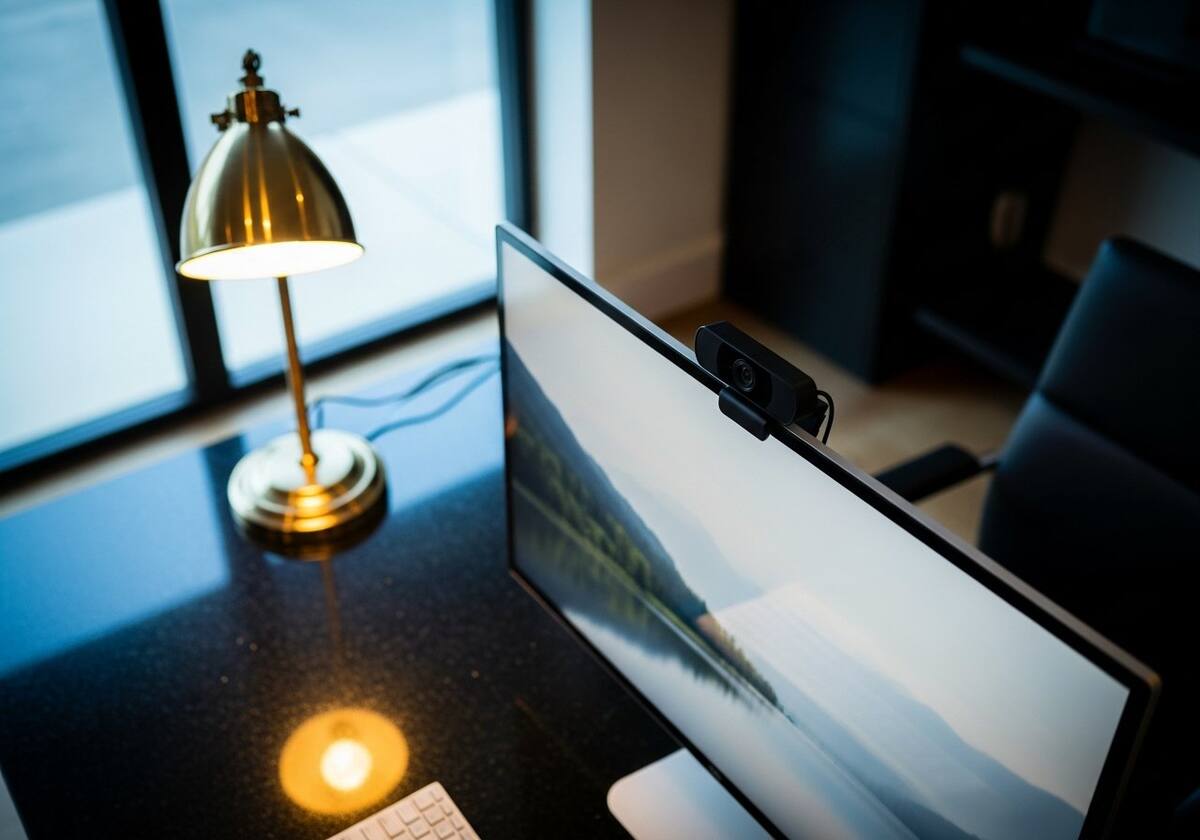
If your webcam ships with a companion app — a webcam companion app — you usually need it to unlock features beyond UVC. Plain video calls work without the app, but features like AI framing, gesture controls, and HDR colour profiles depend on the vendor's driver.
Streaming-grade webcams in particular benefit from the vendor app, which exposes manual controls similar to a DSLR — exposure compensation, ISO, white-balance presets, and so on.

If your webcam appears in Device Manager but cannot be selected in any app, check OS-level privacy permissions. Both Windows and macOS gate camera access at the system level — apps that are blocked there will report 'no camera available'.
Internal laptop webcams sometimes develop hardware faults from years of opening and closing the lid. The flat ribbon cable that runs through the hinge slowly fatigues; replacement is a service-shop job.

The questions readers send us most often on this topic.
Usually no — UVC is enough for video calls. Vendor drivers add advanced features and tuning controls.
Privacy default changes are the most common culprit. Re-allow camera access for the affected app.
Generally no — most webcam drivers grant exclusive access. Tools like OBS's virtual camera can sometimes work around this.
Hand-picked articles that pair well with this one.
Explore our full library of plain-English driver explainers.