Fix: Computer Cannot Find Your Webcam
When your webcam is missing from Teams, Zoom, or your camera app, the cause is almost always one of three things — and all three are easy to check.

When your webcam is missing from Teams, Zoom, or your camera app, the cause is almost always one of three things — and all three are easy to check.
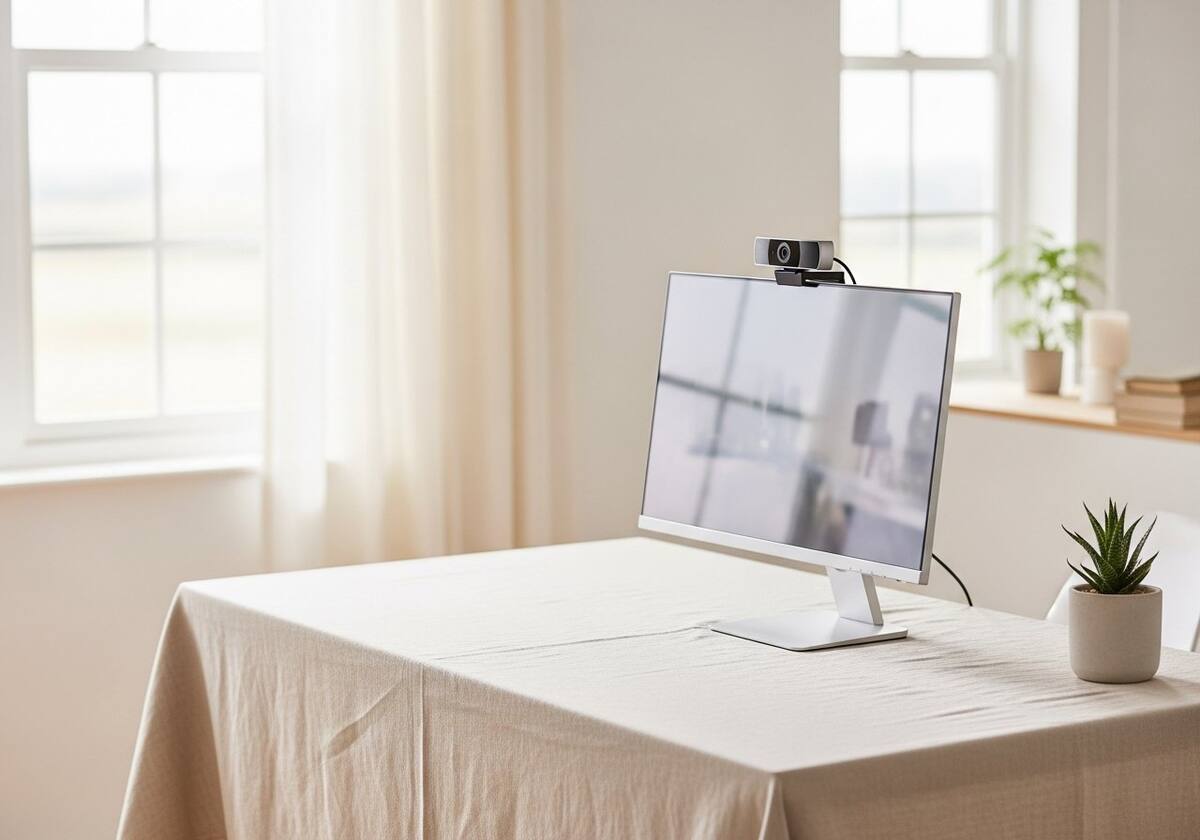
Modern laptops increasingly include a hardware privacy slider over the webcam. If your webcam vanished suddenly, check whether you have accidentally nudged that slider closed. The OS sees a closed shutter as 'no webcam present', not as 'webcam covered'.
Some laptops also have a function-key shortcut that disables the webcam in firmware. Look for a small camera icon on F-keys and try toggling it.
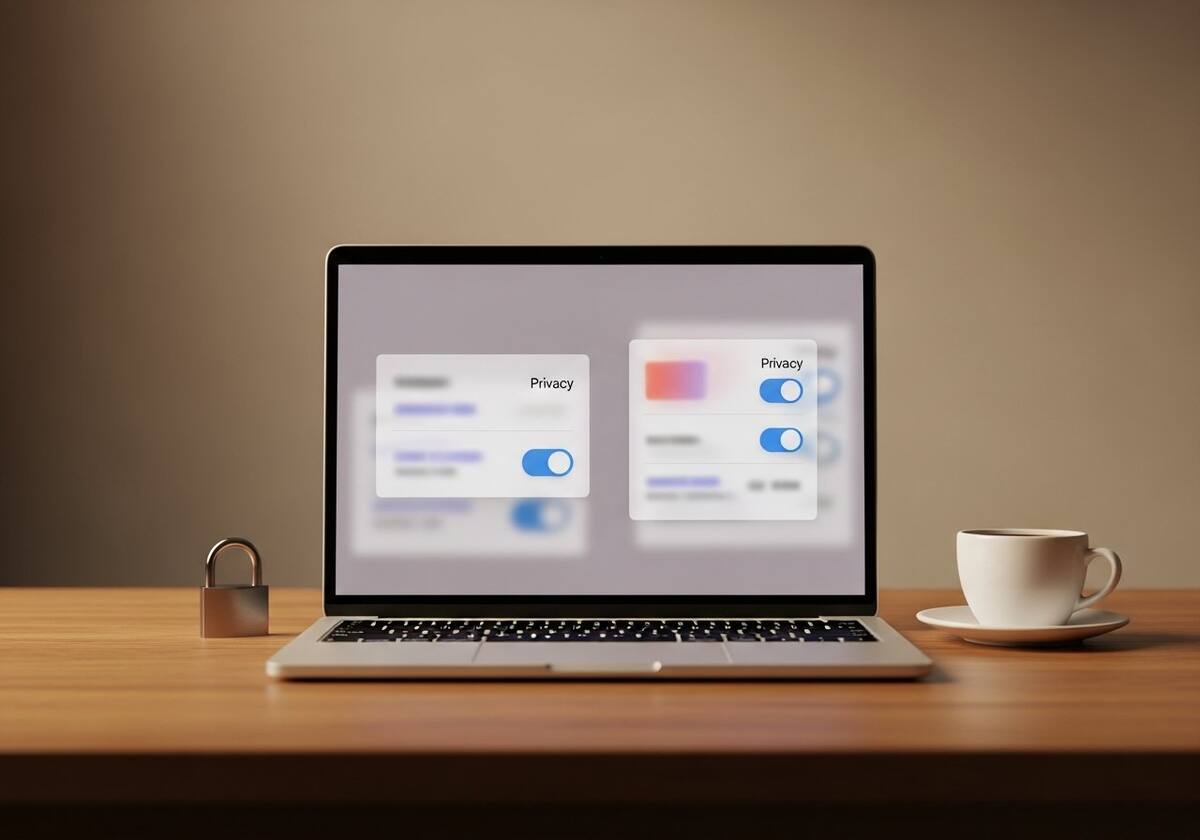
Windows and macOS both gate camera access at two levels: a system-wide switch and per-app permissions. On Windows, both live under Settings → Privacy & Security → Camera. On macOS, System Settings → Privacy & Security → Camera.
Apps that are blocked at the OS level cannot see the camera at all and will report 'no camera detected'. Reset the permission, restart the app, and the webcam should reappear.
If permissions are fine and the privacy slider is open, head to Device Manager and look under Cameras or Imaging devices. Update or reinstall the webcam driver. On laptops, the manufacturer's webcam driver is usually a generic UVC driver — Windows often handles it without an extra install.
If Device Manager shows the webcam with a warning icon, the cable from the camera module to the motherboard may be loose, especially on older laptops where the hinge has been opened many times. That is a repair-shop conversation rather than a software fix.

The questions readers send us most often on this topic.
Privacy default changes are the most common cause. Re-allow camera access for the app and the webcam returns.
Often yes — replacing it is much simpler if it fails, and there are no fragile internal cables to worry about.
Generally no. Most webcam drivers grant exclusive access to one app at a time. Close other camera apps if your main one cannot see the camera.
Hand-picked articles that pair well with this one.
Our knowledge section has more calm, ordered walkthroughs for the most common driver-related headaches.