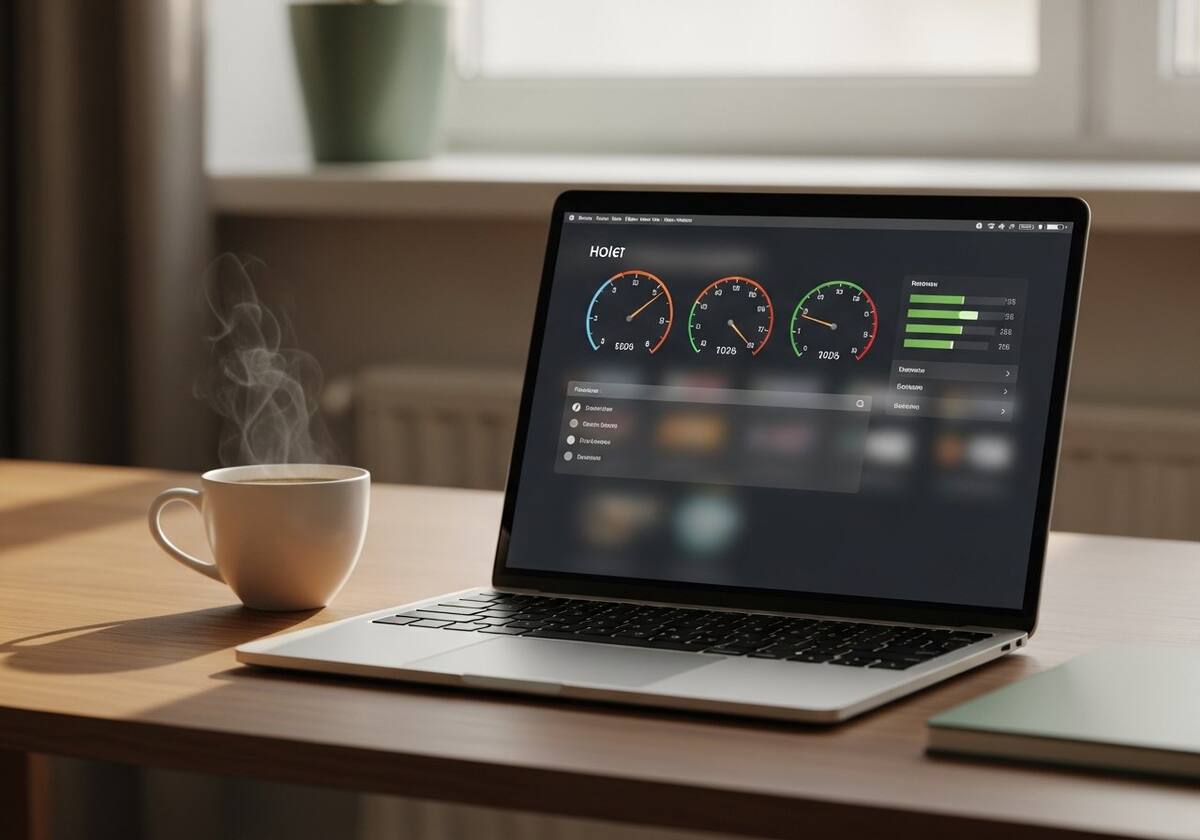
Operating system updates do an enormous amount of behind-the-scenes work. They replace system files, recompile parts of the OS for your specific hardware, re-index your files for search, and frequently swap out hardware drivers with newer (or sometimes generic) versions. For the first hour or two after a major update, your computer is doing a lot of catching up — even when it looks idle.
The deeper, more persistent slowdown almost always comes from drivers being replaced. Your laptop maker carefully tunes their chipset, GPU, and storage drivers for your specific model. When an OS update replaces those tuned drivers with a the operating system vendor-supplied generic version, you can lose a noticeable amount of performance — sometimes 10 to 20 percent — until you reinstall the proper ones.
The third factor is background services. New OS features bring new background services that you may not need. Auditing what is running and trimming the truly unnecessary services frequently restores responsiveness without touching anything risky.