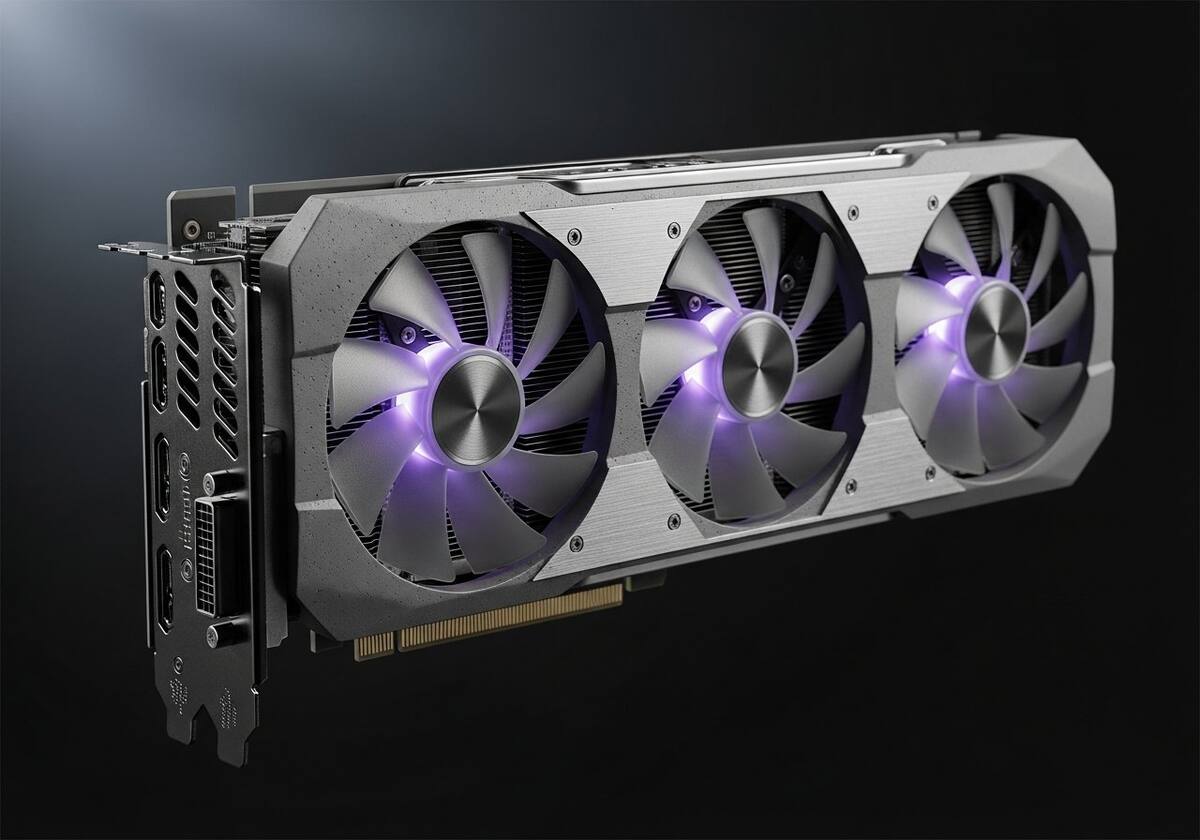
Your graphics driver is responsible for pushing tens of millions of pixel updates to your screen every second. When it is healthy, you never notice it. When it gets confused — usually because of a driver update gone wrong, a cable issue, or a refresh rate mismatch — the symptoms are immediate and dramatic. Flickering is the driver and the display disagreeing on timing. Black screens are the driver crashing and the operating system trying to recover.
External monitors add a second possible failure point: the cable. A loose or cheap HDMI or DisplayPort cable can cause exactly the same symptoms as a driver problem, which is why the very first step is always to physically unplug and reseat the cable. If the issue clears, you have your answer.
The third common cause is a refresh rate mismatch. If your monitor is rated for 60 Hz but the driver is trying to push 144 Hz, you get flicker, black-outs, or visual artifacts. Setting the refresh rate to one your monitor officially supports is a free, instant fix.