Fix: Second Monitor Looking Blurry or Soft
Resolution mismatches, scaling differences, and cable bandwidth — three common causes of a fuzzy second display, calmly explained.

Resolution mismatches, scaling differences, and cable bandwidth — three common causes of a fuzzy second display, calmly explained.
Every modern flat-panel monitor has one resolution at which it looks sharpest — its native resolution. Anything else has to be scaled, and scaling on flat panels always introduces softness. Check the monitor's manual or product page for its native resolution and set Windows to match.
Right-click the desktop, choose Display settings, select the second monitor, and look at the Resolution dropdown. The recommended option is normally the native resolution.
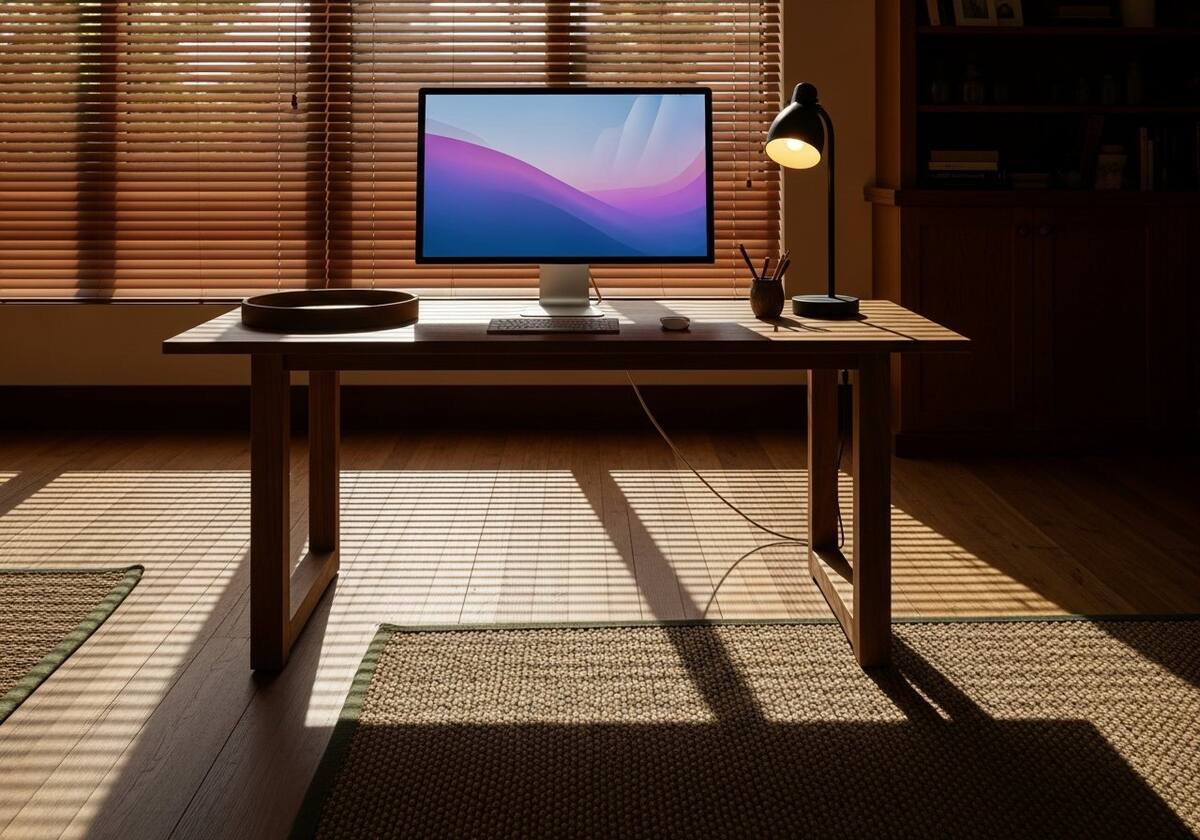
If your two monitors have very different pixel densities (a 4K screen next to a 1080p screen, for example), they need different scaling values. Windows allows independent scaling per monitor under Display settings — set each to whatever percentage looks right, even if the values differ.
Sign out and back in after changing scaling, since some apps only re-render properly across a fresh user session.
Older HDMI cables and some thin DisplayPort cables cannot carry full bandwidth at high refresh rates and resolutions. If your second monitor is running at a noticeably lower refresh than the primary, or showing colour-banding, try a known high-bandwidth cable.
Adapters from USB-C or Thunderbolt to HDMI also vary in quality. Stick to first-party or well-reviewed adapters for best results, especially when running 4K at 60Hz or above.

The questions readers send us most often on this topic.
Probably a scaling mismatch. Use independent per-monitor scaling under Display settings.
Yes — a cable that cannot carry the bandwidth will produce reduced colour or refresh, and sometimes the signal renegotiates at a lower mode.
DisplayPort is generally preferred for PC monitors at high refresh and resolution. HDMI works fine for most users but has a slightly more complicated bandwidth picture.
Hand-picked articles that pair well with this one.
Our knowledge section has more calm, ordered walkthroughs for the most common driver-related headaches.