Fix: When the Display Driver Pauses and Recovers
A friendly walkthrough of the timeout-and-recover cycle and the small number of root causes that produce it.

A friendly walkthrough of the timeout-and-recover cycle and the small number of root causes that produce it.
Modern graphics drivers have a built-in safety net. If the driver stops responding for a few seconds, the operating system resets it rather than letting the screen freeze. You see a brief black flash and a notification that the driver was reset.
A single occurrence is usually nothing — a heavy frame in a game, a power glitch, a momentary scheduling hiccup. Repeated occurrences point at a real cause worth investigating.
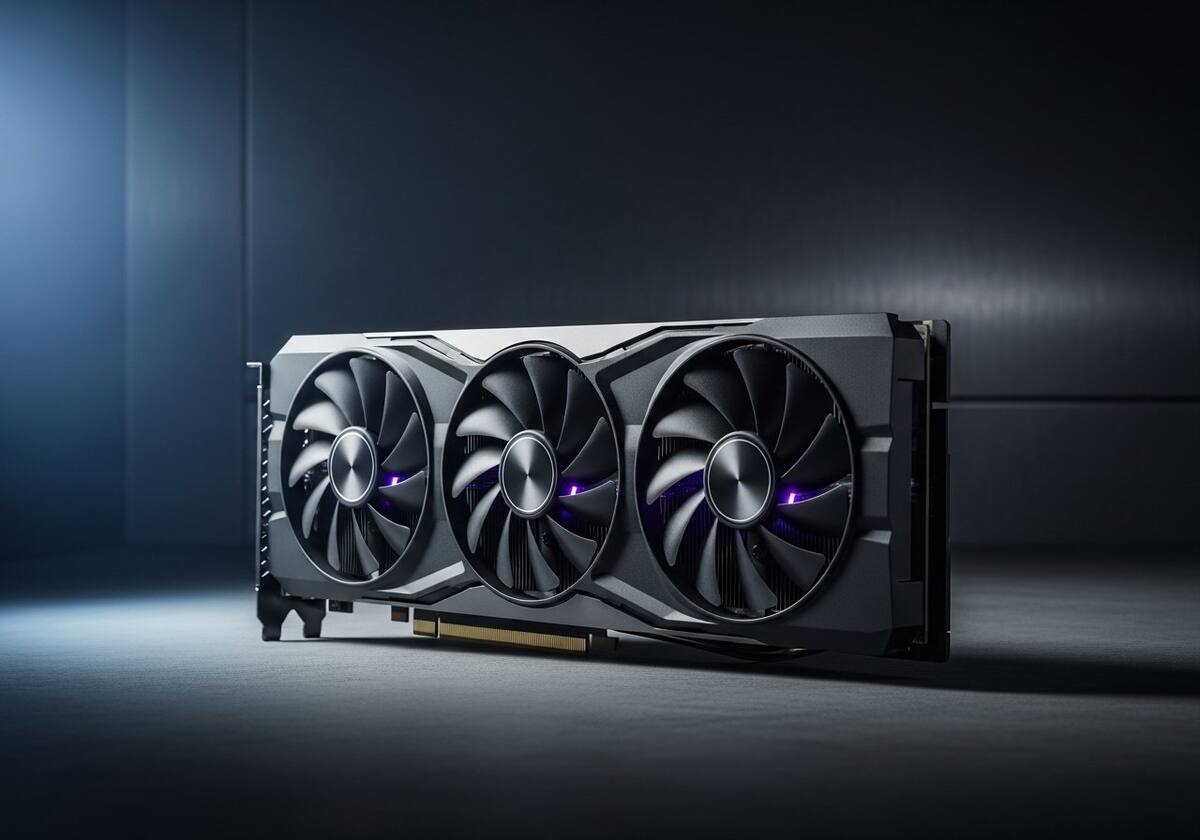
Heat is a common culprit. A laptop running with restricted airflow or a desktop with dusty intakes can push the graphics chip to throttle, and an overshoot triggers the timeout. Cleaning vents and giving the system room to breathe often resolves it.
Another common cause is a recent driver update that does not agree with a specific application. Rolling back to the previous driver and waiting for the next release is a calm response in this case.
First, update to the latest driver from your card maker's download page — most timeout issues are resolved in regular driver updates. Second, check that the system is not overheating with a free temperature monitor.
If the cycle continues only with one specific application, the application or its plug-ins are the most likely cause. The maker's support forum often has a known-issue thread with workaround steps.

Hand-picked articles that pair well with this one.
Plain-English explainers, fix walkthroughs, and concept articles for every part of your system.