Code 12 — When Two Devices Want the Same Resource
A friendly look at resource conflicts and how to give every device the address space it needs.

A friendly look at resource conflicts and how to give every device the address space it needs.
Code 12 means the operating system tried to start a device but could not find an unused range of memory or input/output addresses for it. Two pieces of hardware are effectively asking for the same parking spot, and the system has stopped one of them rather than risk corruption.
On modern hardware this is rare because firmware allocates resources automatically. When it does happen the cause is almost always a Bios option, a stale registry entry, or an add-in card whose firmware has not been updated.
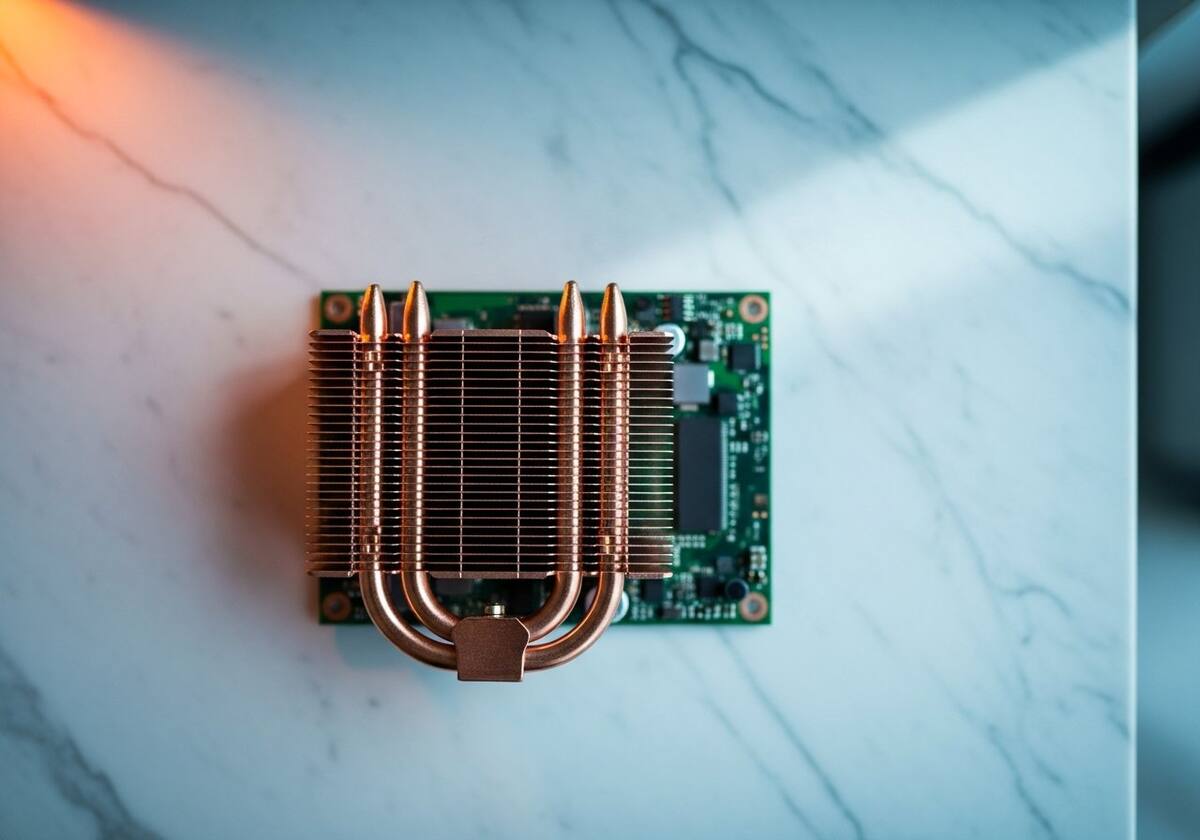
PCIe and legacy buses share a finite pool of memory ranges. When you add a new card or reconfigure firmware, the system rebuilds the map at boot. If the map is constrained — for example by a "Compatibility" mode or a leftover Plug-and-Play assignment — there may simply be no room for the newest device.
The same effect can come from manually-pinned resources: a setting that says "always give this card the address range I picked." That assignment overrides the firmware and locks the slot.
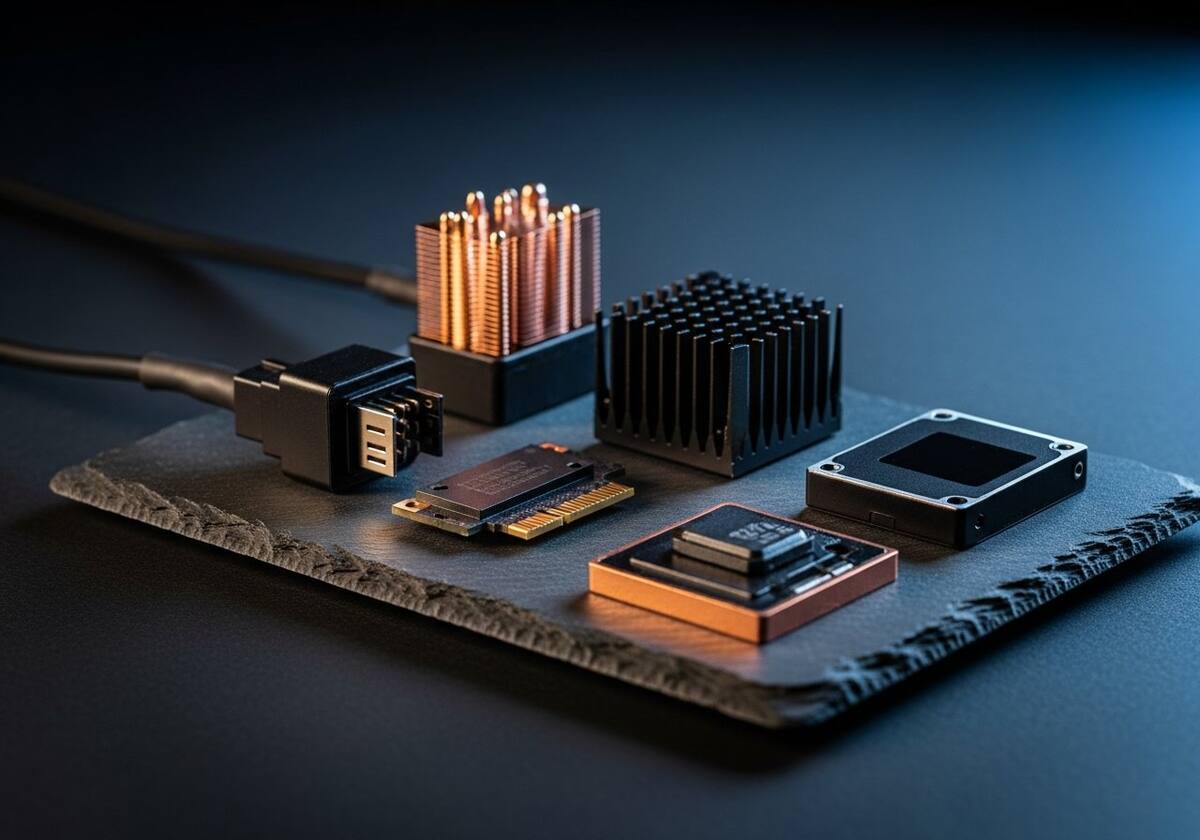
First, restart with the device installed but disabled, then re-enable it. The firmware gets a chance to re-allocate from a clean slate. Second, check the Bios settings for an option called "Above 4G Decoding" or "Memory Mapping" and toggle it.
If neither helps, remove and re-install the affected device with the cable unplugged, then plug it back in after the operating system finishes loading. That sequence sidesteps any cached resource map.

Hand-picked articles that pair well with this one.
Plain-English explainers, fix walkthroughs, and concept articles for every part of your system.