
The First Drivers Every Fresh Install Needs
Chipset drivers do not sound exciting, but they govern how every other component on your motherboard talks to the CPU. Skip them and half your hardware will misbehave.

Chipset drivers do not sound exciting, but they govern how every other component on your motherboard talks to the CPU. Skip them and half your hardware will misbehave.
On a modern motherboard, the chipset is the collection of integrated circuits that route data between the CPU and the rest of the machine — your storage, USB ports, expansion slots, network controller, and audio codec. It is the traffic controller, deciding which lanes are PCIe, how much bandwidth each device gets, and when each subsystem is allowed to wake up or sleep.
The chipset drivers are the software that exposes all those capabilities to the operating system. Without them, the OS sees a generic, half-functional motherboard — devices may appear in Device Manager but features like fast boot, deep sleep, and USB hot-plug behave erratically.
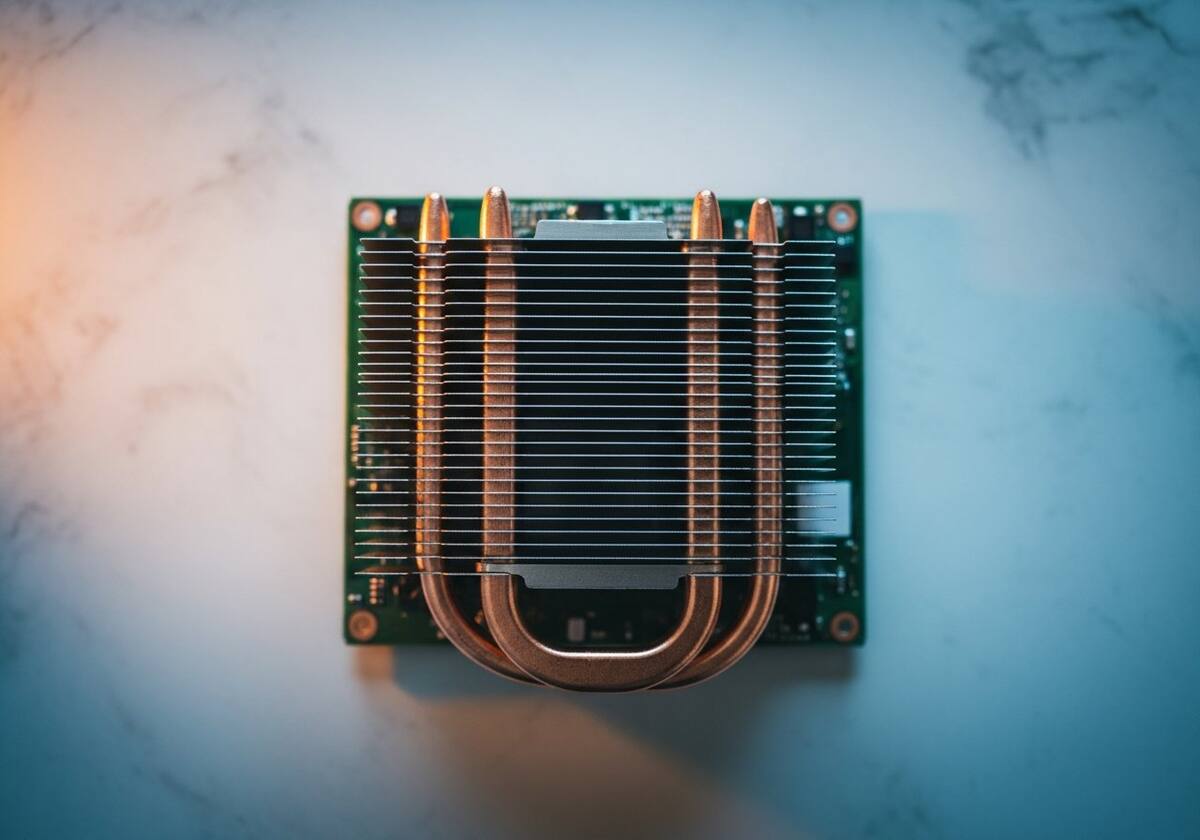
Every PC builder learns this rule the hard way: when you install a new operating system, install the chipset drivers before anything else. Many other drivers — graphics, storage, network — depend on the chipset driver to know how to enumerate the devices below them. Install them out of order, and you can spend hours chasing problems that disappear the moment you finally install the chipset driver.
After chipset, the recommended order is usually: storage controller, network, graphics, audio, then device drivers. That sequence reflects which drivers depend on which.
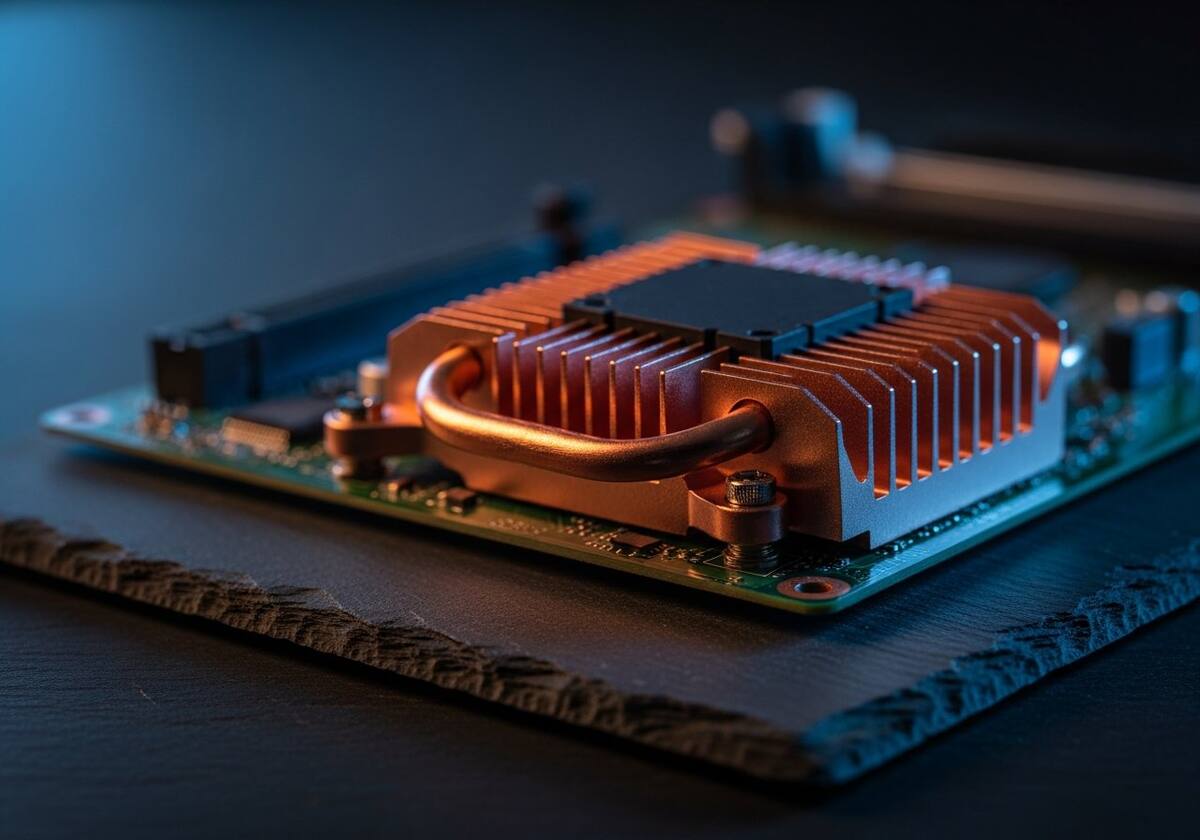
A failing or outdated chipset driver rarely throws a clear error. Instead it shows up as small annoyances that no other fix resolves: USB ports that go to sleep and refuse to wake, the system not entering modern standby, fan curves that ignore CPU temperature, or storage transfers that suddenly throttle.
When the symptoms feel scattered and nothing in Device Manager has a yellow warning, an updated chipset driver is often the last thing left that quietly fixes everything at once.
The questions readers send us most often about chipset drivers.
Yes. Windows uses generic fallback drivers when the real chipset driver is missing — they get the basics working but leave power management and advanced features on the table.
Once or twice a year, or whenever your motherboard maker releases a major update. They do not change as often as graphics drivers.
No, but installing a driver meant for a different chipset family will simply refuse to load or may disable a feature. It cannot physically harm hardware.
This is one of twelve driver categories explained on PrintSoftDriver. Browse the rest, or jump straight into a fix walkthrough if something isn't working.