Driver Isolation — Why Drivers Live in Their Own Lane
A friendly look at the move toward isolated drivers and what it means for stability and updates.

A friendly look at the move toward isolated drivers and what it means for stability and updates.
For a long time, drivers shared more with the rest of the system than was strictly necessary. They wrote configuration into shared registry hives, dropped helpers into the system folder, and assumed other drivers behaved well. When one misbehaved, the effects spread.
Isolation is the principle of giving each driver its own quiet corner — its own configuration block, its own private files, and a clear boundary around what it can touch.

Modern driver packages put their files in their own folder rather than sprinkling them through the system folder. They register their configuration under a key that belongs to their package only. They run in a constrained environment that limits the surface area for accidents.
For users, the visible benefit is that uninstalling one driver no longer leaves behind a trail of files for other drivers to trip over.
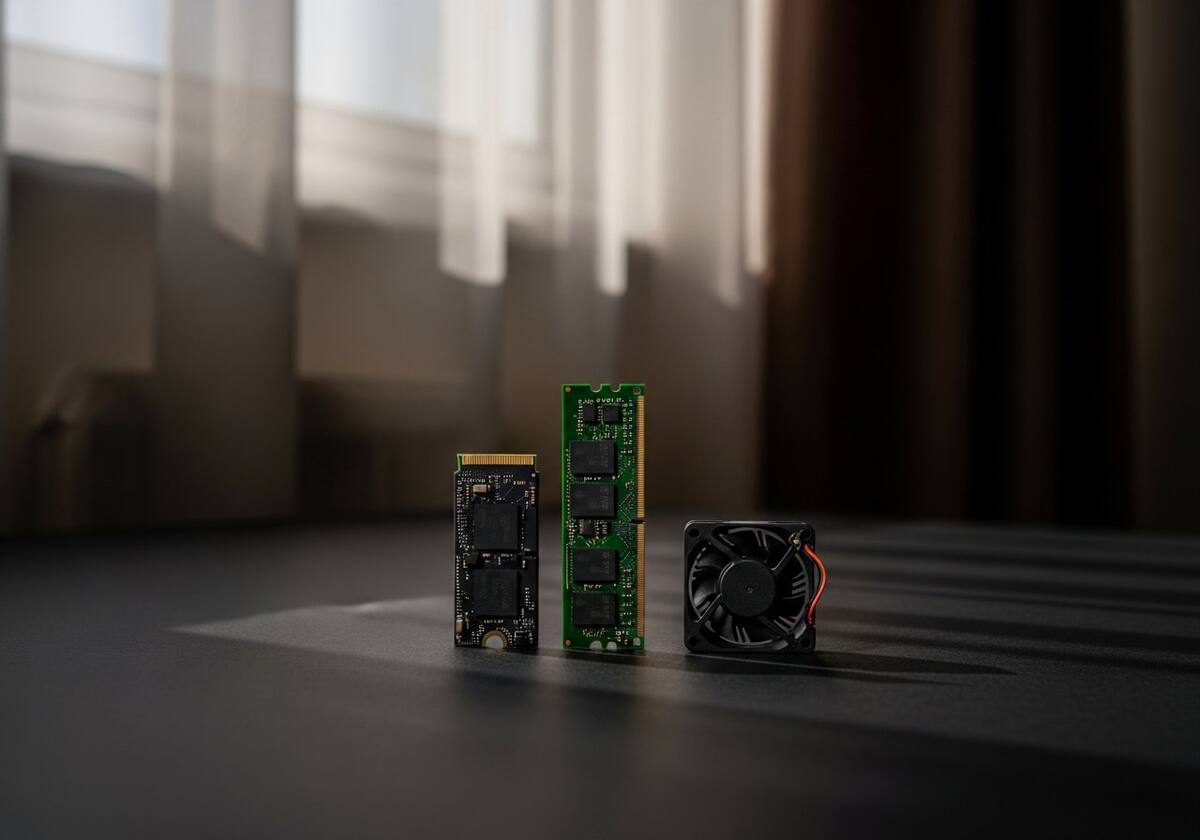
Isolated drivers can be replaced atomically — the old version comes out, the new version goes in, and there is no shared state for the swap to disturb. That is one reason graphics driver updates have become much smoother over the last several releases.
For administrators, isolation also makes it possible to roll back a single driver without touching anything else, which keeps the rest of the system stable during the recovery.

Hand-picked articles that pair well with this one.
Plain-English explainers, fix walkthroughs, and concept articles for every part of your system.