
The Driver Layer That Crashes Safely
User-mode drivers run in the same protected sandbox as your everyday apps. If they fail, the OS just restarts them — no blue screens, no reboot.

User-mode drivers run in the same protected sandbox as your everyday apps. If they fail, the OS just restarts them — no blue screens, no reboot.
For decades, every driver had to run in kernel mode — a setup that prioritized speed but punished any mistake with a system crash. User-mode drivers flipped that trade. By moving the driver into the same protected memory region as your browser or text editor, the OS gains a powerful safety net: a hardware-enforced wall between the driver and the kernel itself.
On Windows, the User-Mode Driver Framework (UMDF) makes this possible. macOS uses DriverKit. Linux exposes user-space drivers through interfaces like libusb and FUSE. The shape differs, but the idea is the same: keep the risky parts out of the kernel.

There is a small cost for that safety. Each time a user-mode driver needs to talk to the hardware, the request has to cross the boundary between user space and kernel space — a context switch that takes a tiny but measurable amount of CPU time. For most devices, that overhead is invisible.
For latency-critical hardware like high-end GPUs or 10-gigabit NICs, the math changes — those still live in kernel mode. But for the long tail of consumer devices (webcams, scanners, fitness trackers, label devices), the trade is overwhelmingly worth it.
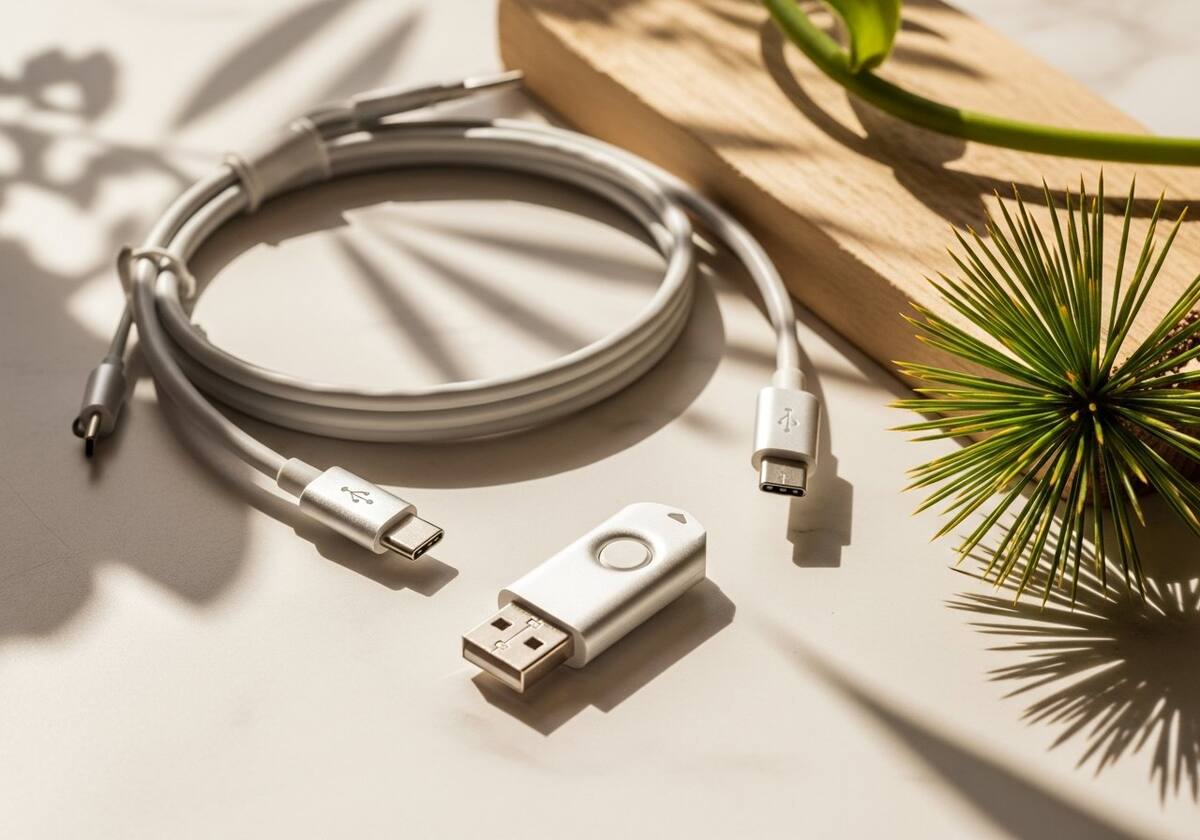
Behind the scenes, the OS hosts each user-mode driver inside a small wrapper process. If that process faults, the OS detects the crash, releases its resources, logs the event, and quietly spawns a fresh copy of the driver. Most users never even notice — at worst, a device flickers off and reconnects a second later.
This pattern is what lets you unplug a misbehaving device or webcam, plug it back in, and have everything work again without rebooting. The kernel is never destabilized, because it was never on the hook in the first place.
The questions readers send us most often about user-mode drivers.
Slightly, in raw throughput — but the difference is negligible for most consumer devices and far outweighed by the stability gains.
It can stop a single device from working until the OS restarts it, but it cannot crash the whole system. That alone is the entire point of the design.
On Windows, the Device Manager properties page lists the driver framework — UMDF or KMDF — under the Driver Details section.
This is one of twelve driver categories explained on PrintSoftDriver. Browse the rest, or jump straight into a fix walkthrough if something isn't working.