Legacy HD Audio Drivers, Demystified
How Legacy HD's audio driver fits between your operating system and the speakers, and what to do when sound suddenly disappears.

How Legacy HD's audio driver fits between your operating system and the speakers, and what to do when sound suddenly disappears.
The legacy codec vendor's HD Audio codecs were popular on motherboards a decade ago and still appear in some legacy systems. Their drivers are smaller and simpler than the larger audio packs, exposing only the basics: stereo output, microphone input, and a few mixer settings.
The legacy codec vendor does not develop new desktop audio codecs today, but maintenance updates for older systems still trickle out via OEM channels and Windows Update. If your machine is more than seven or eight years old and uses legacy HD audio, the existing driver is usually the most stable option.
Audio driver updates rarely come with the fanfare of GPU drivers, but they quietly fix real problems — popping during sleep/wake cycles, microphone gain inconsistencies, support for newer Bluetooth codecs, and security fixes that sit deep in the audio stack.
Updates usually arrive via Windows Update on most laptops, since manufacturers package the audio driver with their own branding overlay (audio control panels and so on). You can almost always get the underlying Legacy HD driver from Windows' own catalogue if needed.

If you reinstall Windows, the operating system often loads a generic high-definition audio driver. This produces sound — but features like equalisers, surround sound enhancement, and microphone noise suppression typically need the real Legacy HD driver from the manufacturer.
That is why a freshly reinstalled laptop often sounds slightly worse than it did out of the box. Reinstalling the manufacturer's audio package usually restores the missing presets and special effects.

The questions readers send us most often on this topic.
Only in maintenance form. New codecs are not being developed for the consumer desktop market, but older systems continue to receive compatibility updates.
The legacy codec vendor's own portal is small. Most users download the legacy codec vendor drivers from their motherboard or laptop OEM's support page instead.
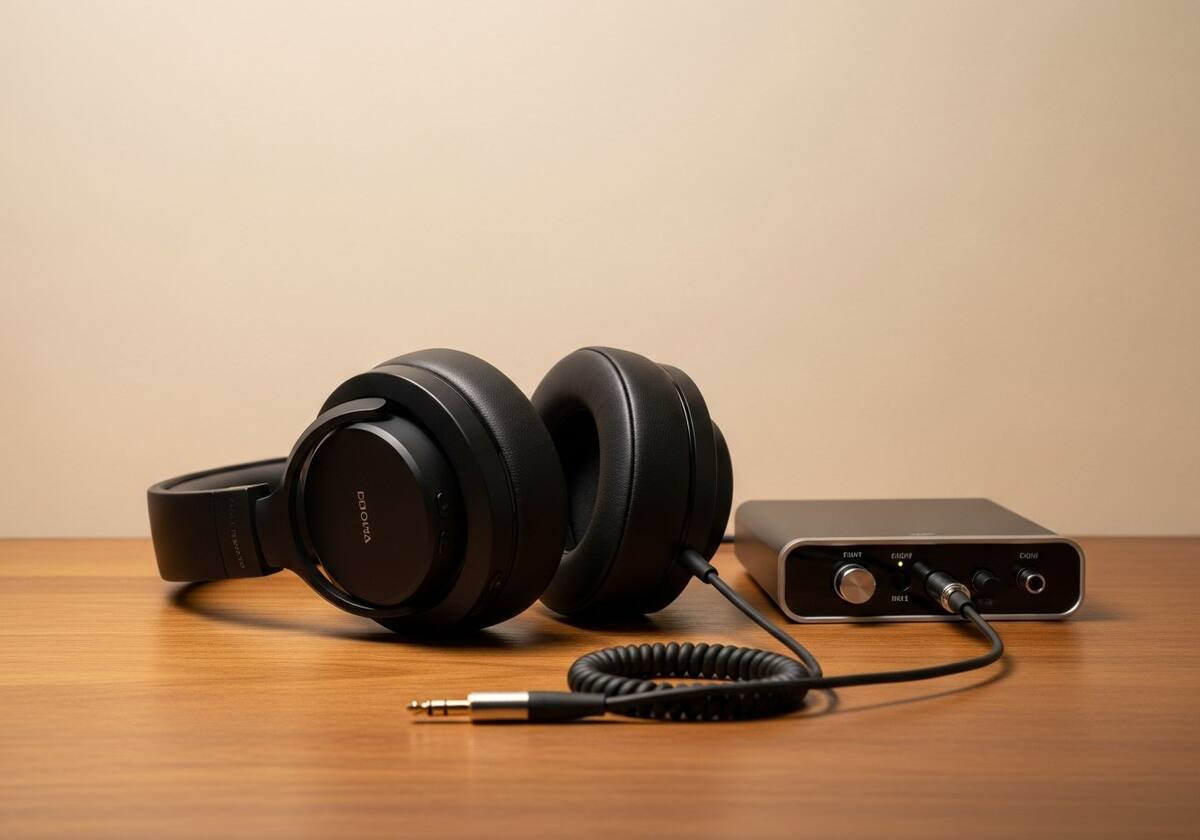
If your audio matters, a modest USB DAC sidesteps the on-board codec entirely and uses a generic USB audio class driver, which is well-supported on every modern OS.
Hand-picked articles that pair well with this one.
Browse our audio overviews and walkthroughs in plain English.