Plug and Play, the Quiet Magic Behind Every USB Device
How modern operating systems detect, identify, and configure new hardware the moment you plug it in.

How modern operating systems detect, identify, and configure new hardware the moment you plug it in.
Old PCs required users to set jumpers on add-in cards and configure interrupt requests by hand. Plug and Play, introduced widely in the 1990s, removed all of that — the bus, the operating system, and the device cooperate to assign resources automatically.
USB took the idea further. Every USB device announces itself when plugged in, the host enumerates it, identifies what kind of device it is, and loads or downloads the right driver in the background.
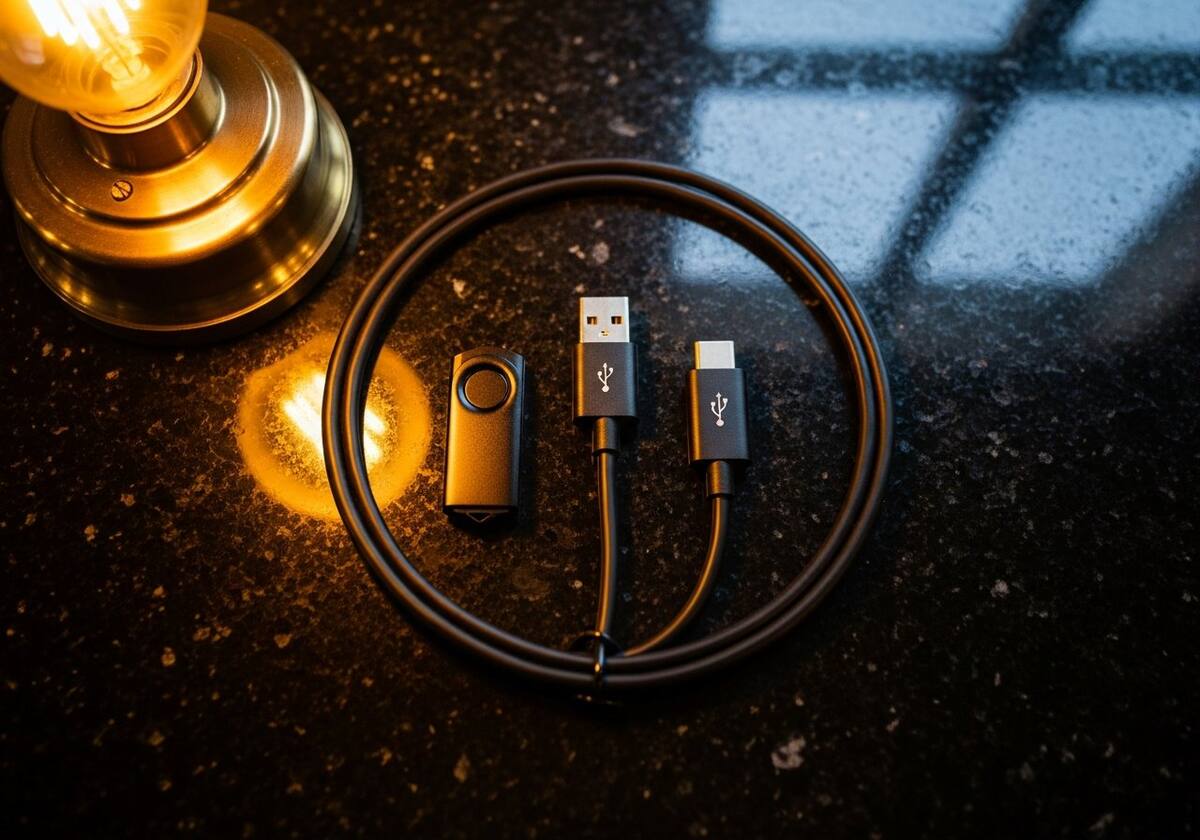
When a new device appears on a bus that supports Plug and Play (USB, Thunderbolt, PCIe hot-plug, etc.), the operating system reads its identifier, looks for a matching driver in the driver store, and installs it. If no match exists, the OS asks the device's vendor portal — Windows Update on Windows, Software Update on macOS — and downloads one.
All of this happens within a few seconds in most cases, with no user interaction beyond the small notification that a new device is ready to use.

Plug and Play occasionally fails — a corrupt driver store, a bus controller fault, or an unsupported device can leave a 'Code 28' marker in Device Manager (the device is present but no driver is installed). The fix is usually to install the right driver manually from the vendor.
Other times, the device shows up fine but the wrong driver loads — a generic class driver instead of the specialised one. Manually pointing Device Manager at the correct INF file resolves this in a few clicks.

The questions readers send us most often on this topic.
Most modern buses support it — USB, Thunderbolt, PCIe with hot-plug, Bluetooth. Older legacy buses sometimes require manual configuration.
Either no driver is installed, or the device is not properly identifying itself. Manually installing the vendor's driver almost always fixes it.
You can stop Windows from automatically installing new device drivers, but the underlying enumeration cannot be turned off — it is part of how modern buses work.
Hand-picked articles that pair well with this one.
We translate the technical so you can focus on using your computer rather than fighting it.