Fix: When Audio Comes Through With Static
A short, friendly walkthrough for audio that has a constant hiss, occasional static, or repeating clicks.

A short, friendly walkthrough for audio that has a constant hiss, occasional static, or repeating clicks.
Try a different cable, a different jack, or — for headsets — a different Usb port. Half of all "audio static" reports trace to a cable on the way out or a jack with poor contact.
For Bluetooth audio, signal strength is everything. A short walk closer to the source often clears static-style artefacts that turn out to be radio dropouts.
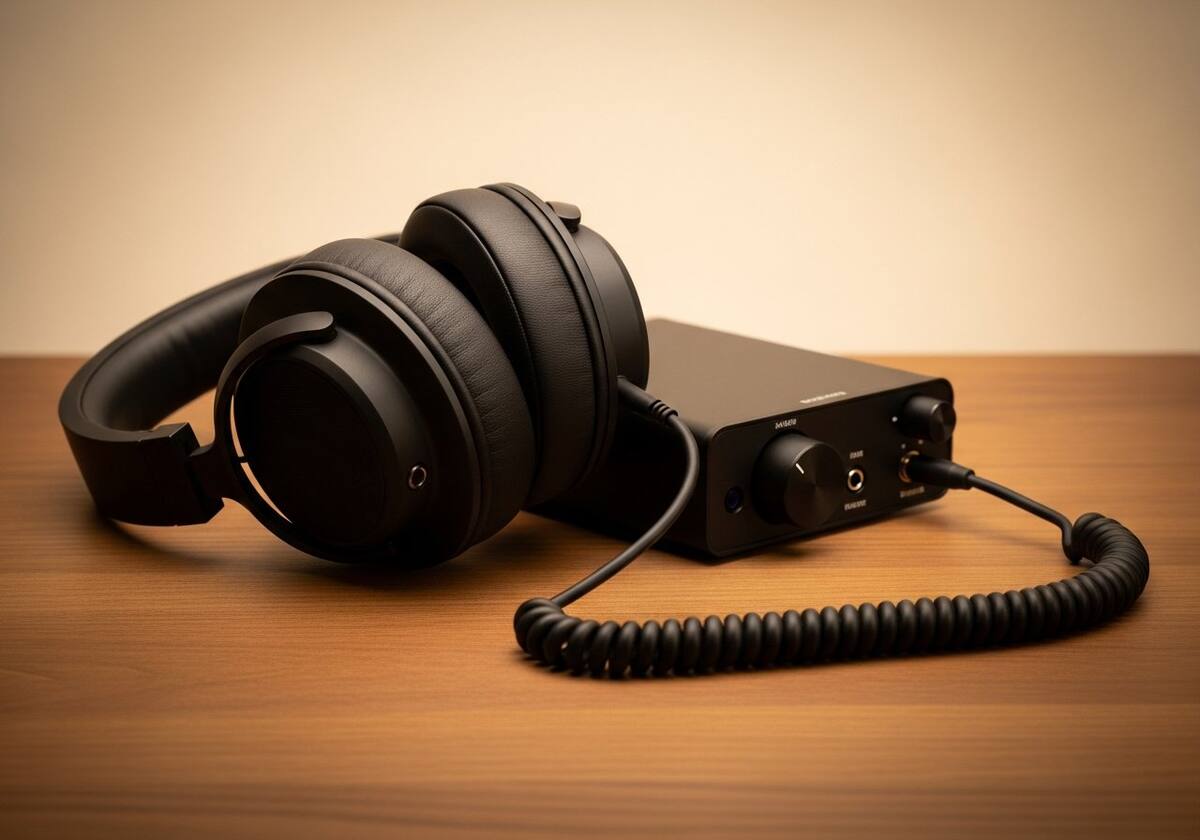
In the audio device properties, the playback format is configurable. A mismatch — for example a Usb headset rated for 48 kHz being asked to play at 96 kHz — can introduce subtle hiss. Setting the format to a value the device clearly supports often clears it.
Disabling exclusive-mode access and audio enhancements is also worth trying. Either of those layers can introduce artefacts on certain content.

Update the audio driver from the laptop or motherboard maker's page. The chipset-bundled audio driver is usually the right one rather than a generic class driver, and it often resolves stubborn static issues.
If the noise is only on a specific application, the issue is more likely to be in that application's audio path. Reinstalling the application or its audio plug-ins is a calm next step.

Hand-picked articles that pair well with this one.
Plain-English explainers, fix walkthroughs, and concept articles for every part of your system.