
The Drivers Behind VMs, VPNs, and Virtual Audio
Some of the most useful drivers on your system control no physical hardware at all. They simulate it — letting software present itself to the OS as if it were a real device.

Some of the most useful drivers on your system control no physical hardware at all. They simulate it — letting software present itself to the OS as if it were a real device.
A virtual driver registers itself with the operating system exactly the way a real driver would, presenting a fake device to the rest of the system. The OS treats it as real — it shows up in Device Manager, it can be enabled and disabled, it can be queried for capabilities. But the device is software all the way down.
That trick unlocks a huge range of useful tools. Virtual network adapters power every modern VPN. Virtual audio cables let you route sound between apps that have no idea about each other. Virtual disks back up entire encrypted volumes as a single file. Virtual machines use virtual graphics, network, and storage drivers to give the guest OS the illusion of real hardware.

When you connect to a VPN, the client software installs and activates a virtual network adapter. From the OS's perspective, you suddenly have a new network connection — with its own IP address, its own routing rules, and its own gateway. Your apps send packets to that adapter exactly as they would to a real Wi-Fi card.
The virtual driver intercepts every packet, hands it to the VPN client for encryption, and the client then sends the encrypted blob over your real network connection to the VPN server. The unencrypted apps never know anything special happened — they just see a network interface.
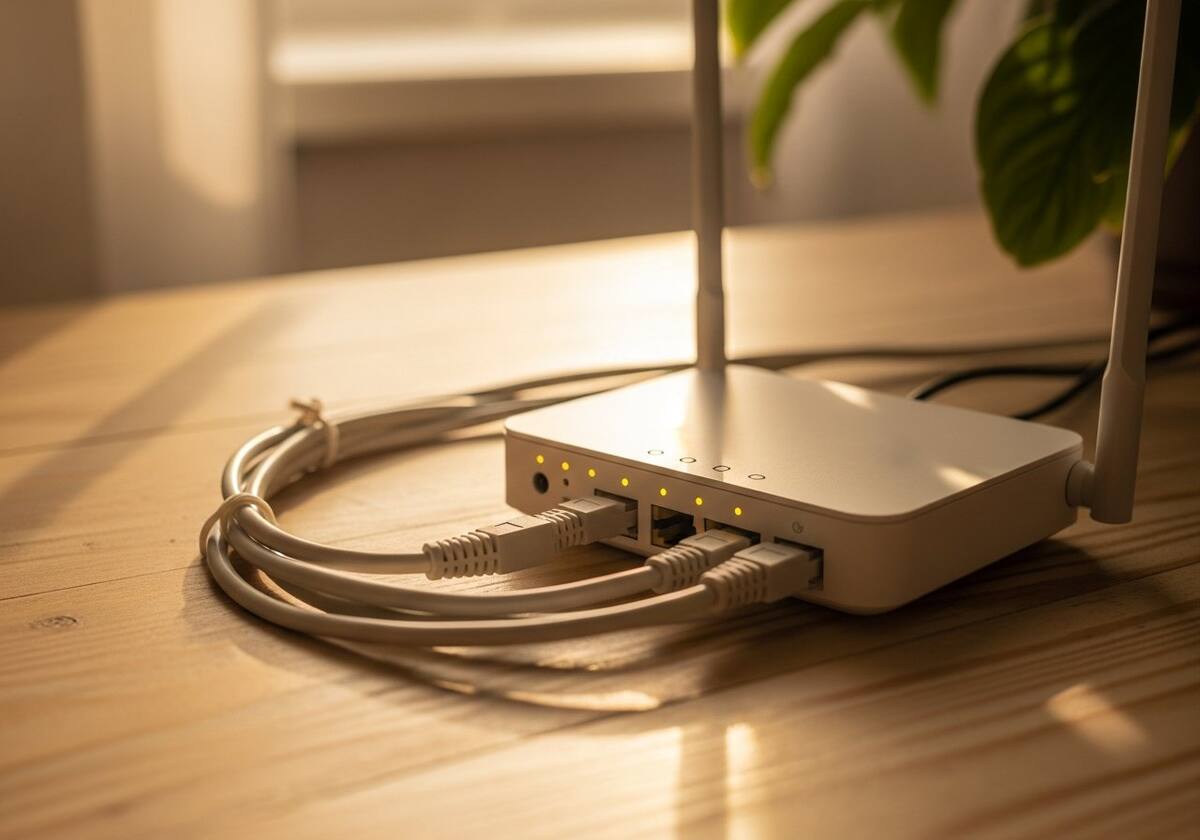
Once you start looking, virtual drivers are everywhere. VirtIO drivers in a virtual machine give the guest OS fast paravirtualized devices. ISO mount tools install a virtual optical drive. Game streaming services install a virtual gamepad. Capture-card software registers a virtual webcam so any app can use it as a video source. Color-calibration tools expose a virtual display profile.
The pattern is the same in every case: software needs to behave like hardware to be visible to other software, and a virtual driver is how it does that without actually building anything physical.
The questions readers send us most often about virtual drivers.
From reputable software they are very safe — they are some of the most common drivers in modern computing. As with any driver, install only from trusted sources.
It is almost certainly a virtual adapter installed by a VPN client, virtualization tool, or remote-access software. Removing the source app removes the virtual adapter.
A small amount — they add an extra layer for data to pass through. For typical use the impact is invisible; for ultra-high-bandwidth workloads it can be measurable.
This is one of twelve driver categories explained on PrintSoftDriver. Browse the rest, or jump straight into a fix walkthrough if something isn't working.