
The Software That Reaches Into Your Drive
Every file you save and every program you launch passes through a storage driver. They are the unsung backbone of how a computer remembers anything at all.

Every file you save and every program you launch passes through a storage driver. They are the unsung backbone of how a computer remembers anything at all.
A storage driver is the translator between your file system and the physical drive sitting inside your computer. When an app asks "open this document", the file system breaks the request down into block-level reads. The storage driver then turns those into the exact commands your specific drive understands — one set of commands for traditional spinning disks, and a newer set for modern flash drives.
Most users never see this layer at all, because Windows, macOS, and Linux all ship with the standard drivers built in. That is why a fresh install can usually see your drive on the first boot, no setup required.
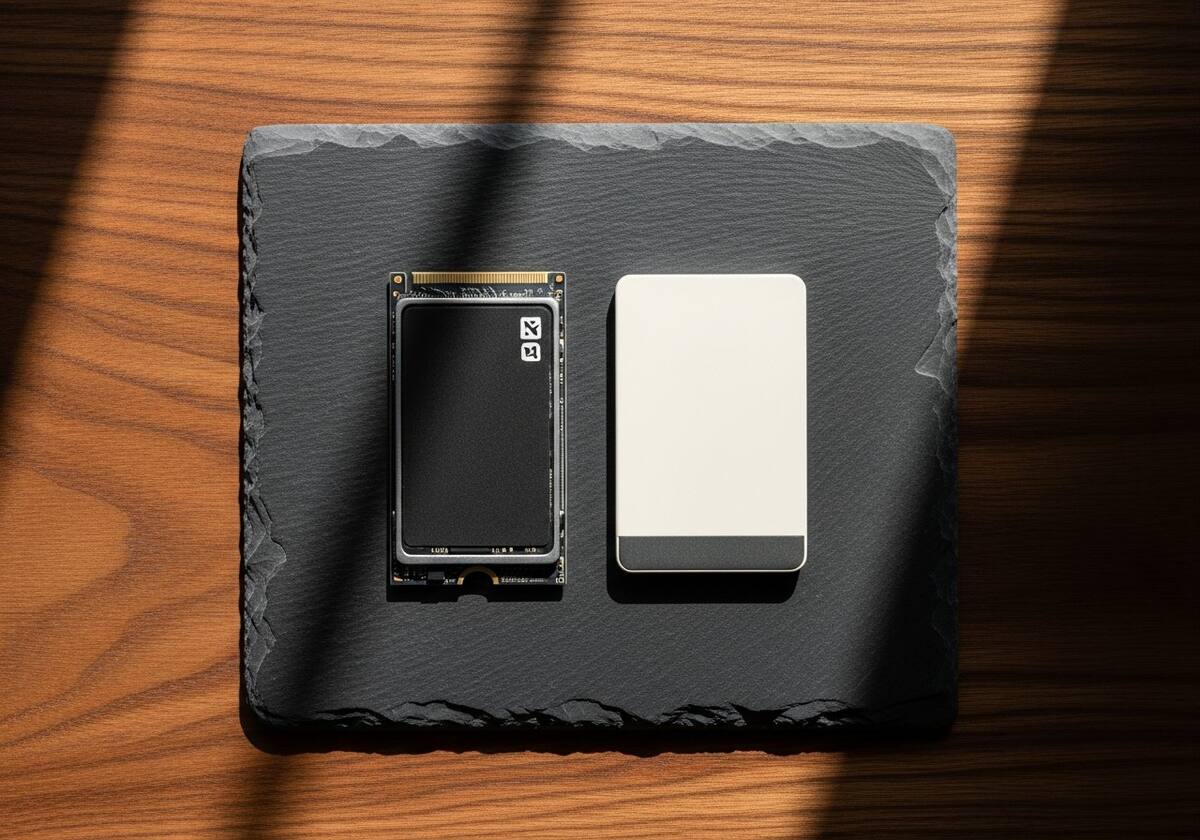
The older disk standard was designed in an era of spinning platters. It assumed a single command queue would be plenty, because the disk could only physically read one place at a time. NVMe was rebuilt from scratch for flash storage, and it changes that assumption completely — supporting up to 65,535 queues, each with up to 65,535 commands.
That parallelism is why a modern NVMe drive can saturate a fast bus link at over 7 gigabytes per second, while the same flash chips behind an older driver would top out at a small fraction of that. The drive is identical; the driver is the bottleneck.
Storage problems caused by drivers usually show up as sudden freezes, files that refuse to save, or a drive that disappears mid-session and reappears after reboot. The most common culprits are aging chipset drivers, third-party drive-array stacks that have not been updated for a new operating system version, or a driver mismatch after migrating a system to new hardware.
A clean reinstall of the storage controller driver from your motherboard or laptop maker resolves the vast majority of these issues without touching the data on the drive itself.
The questions readers send us most often about storage & disk drivers.
Modern Windows, macOS, and Linux all include a generic NVMe driver that works on first boot. A vendor-specific driver can sometimes squeeze out extra performance or expose firmware-update tools.
It is rare with mainstream signed drivers, but possible. That is why operating system makers test storage drivers more rigorously than almost any other category — the cost of a bug is so high.
a major chipset vendor Rapid Storage Technology is an enhanced storage driver that adds drive-array and caching features. If you are not using either, the generic operating system driver is perfectly adequate.
This is one of twelve driver categories explained on PrintSoftDriver. Browse the rest, or jump straight into a fix walkthrough if something isn't working.