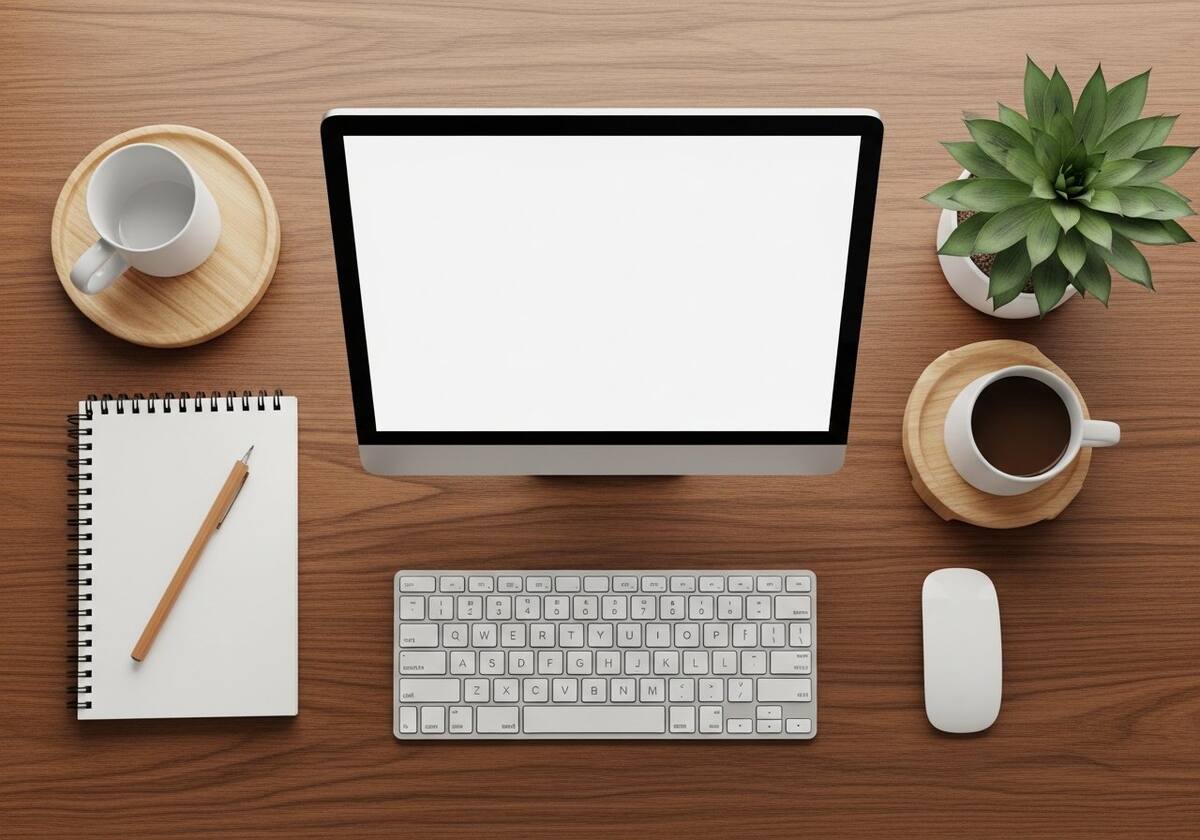
Turning Physical Motion Into Digital Events
Every keystroke, every click, every swipe of a touchpad passes through an input driver before your apps ever see it. They are the quiet bridge between your hands and your software.

Every keystroke, every click, every swipe of a touchpad passes through an input driver before your apps ever see it. They are the quiet bridge between your hands and your software.
When you press a key, the keyboard does not send the letter "A" to your computer. It sends a tiny scan code — a number that identifies which physical switch closed. The input driver receives that code, looks it up in the active keyboard layout, applies modifiers like Shift or Ctrl, and only then publishes a finished "A keypress" event into the OS event queue, where apps can read it.
The same principle applies to every other input device. A mouse reports raw X and Y deltas; the driver smooths them, applies acceleration curves, and publishes pointer-move events. A game controller sends button bitmasks and analog axis values that the driver normalizes into a clean stream.
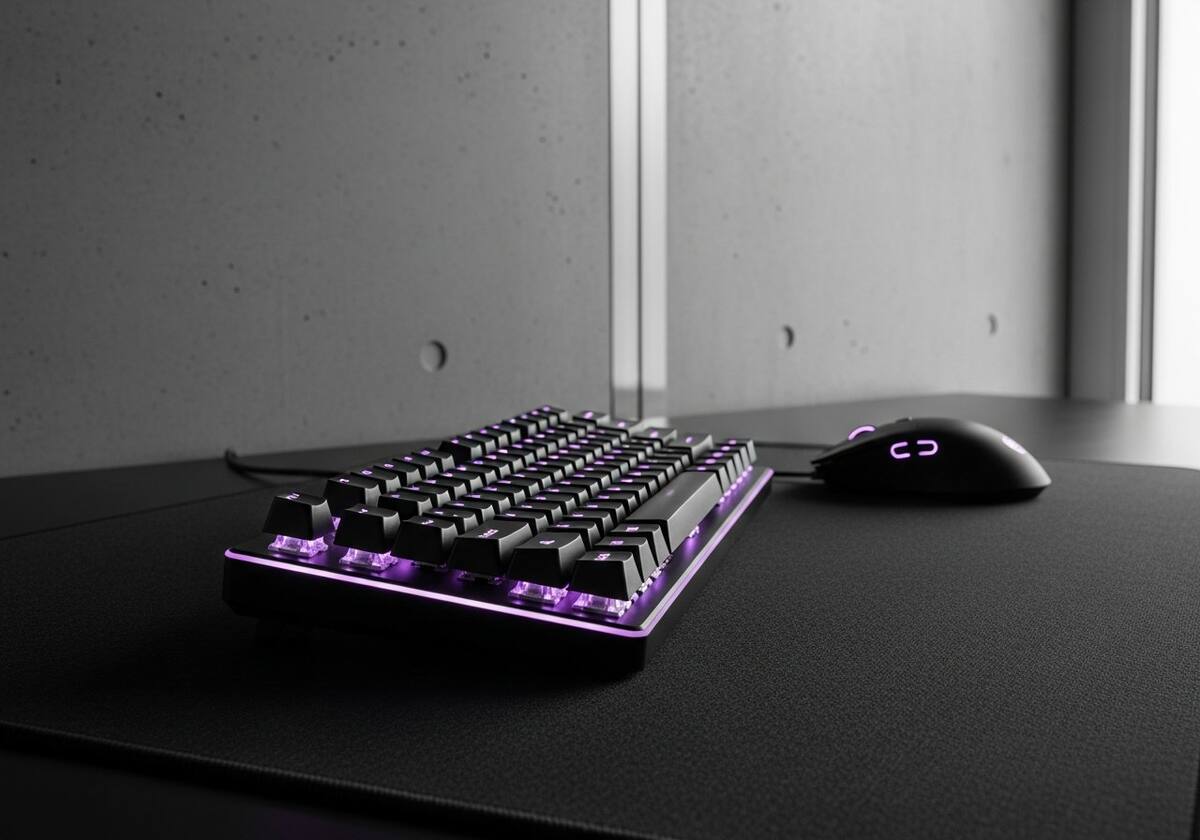
Most modern input devices speak a common language called HID — Human Interface Device. Every HID device ships with a small descriptor that tells the OS exactly what kinds of inputs it generates: how many buttons, how many axes, what range each axis covers. The OS reads that descriptor, loads a generic class driver, and the device works immediately — no vendor download required.
That is why a brand-new keyboard or mouse from a tiny manufacturer just works the moment you plug it in. The HID class driver does the heavy lifting; the device only had to describe itself accurately.
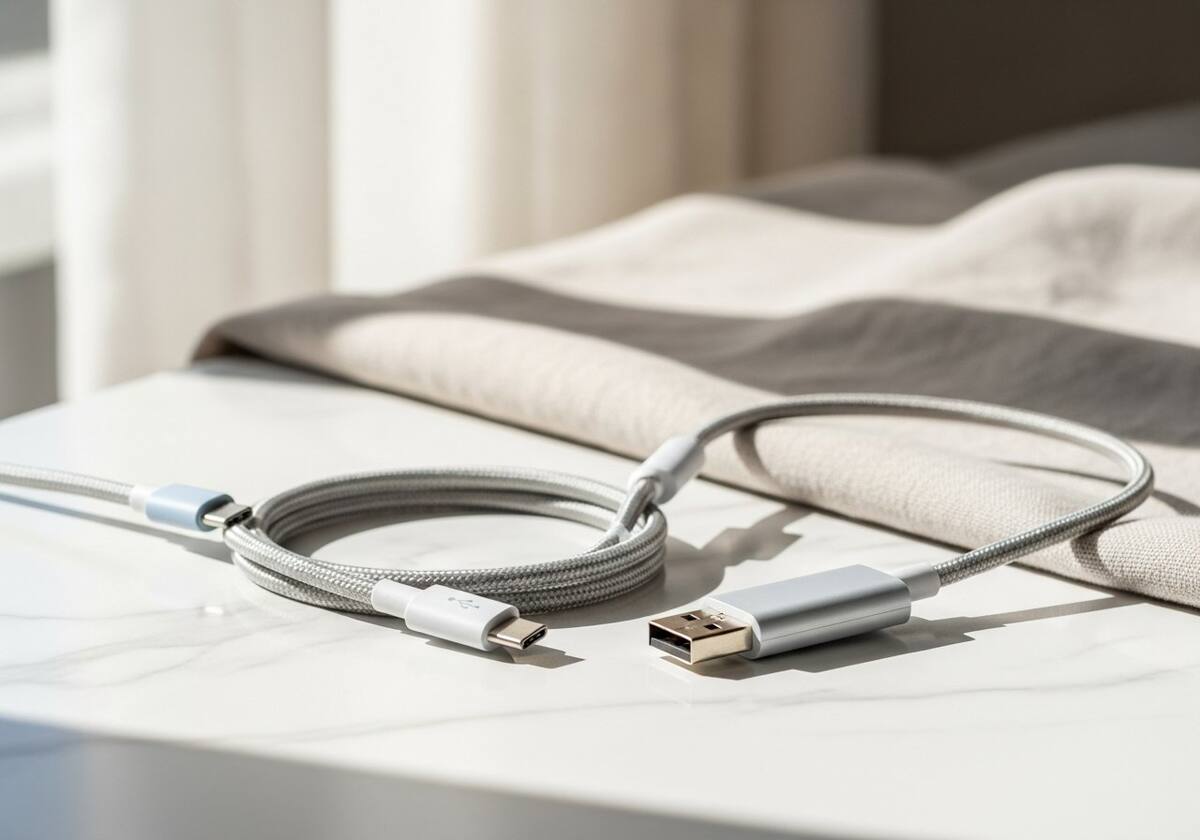
Generic HID handles 95% of devices beautifully, but the high-end exceptions matter. Precision touchpads need a vendor driver to enable palm rejection and gesture recognition. Drawing tablets need one to expose pressure and tilt. Gaming mice need one to remap buttons or set DPI on the fly. Mechanical keyboards need one for per-key RGB lighting and macros.
These features live outside the HID standard, so the vendor ships a small companion driver — often paired with a control-panel app — to expose them. They are optional in the strict sense, but they are the whole reason you bought the premium device.
The questions readers send us most often about input device drivers.
The OS loaded the generic HID driver, which only handles the standard left, right, and middle buttons plus the wheel. Install the vendor's driver to unlock the extra buttons.
Yes. If the driver is overloaded or stalls, scan codes can be dropped before they are translated. Updating the driver or switching back to the generic HID driver usually resolves it.
The basic HID gamepad spec works across all major OSes, but advanced features like vibration, gyro, and adaptive triggers often need OS-specific support.
This is one of twelve driver categories explained on PrintSoftDriver. Browse the rest, or jump straight into a fix walkthrough if something isn't working.