
The Layered Stack Behind Every Pairing
Bluetooth looks effortless from the outside — tap, pair, done. Underneath, a multi-layer driver stack is negotiating frequencies, encryption, and one of dozens of profiles.

Bluetooth looks effortless from the outside — tap, pair, done. Underneath, a multi-layer driver stack is negotiating frequencies, encryption, and one of dozens of profiles.
Calling Bluetooth a "driver" undersells what is happening. A Bluetooth subsystem is actually a stack of layers — radio firmware at the bottom, then HCI (Host Controller Interface) handling the radio, then L2CAP managing channels, and finally profile-specific drivers on top for things like audio (A2DP), input devices (HID), and file transfer (OBEX).
Each layer has a single, focused job. That separation is what lets a single Bluetooth chip simultaneously stream music to your headphones, accept keystrokes from your keyboard, and sync data with your fitness tracker — all on completely different profiles.
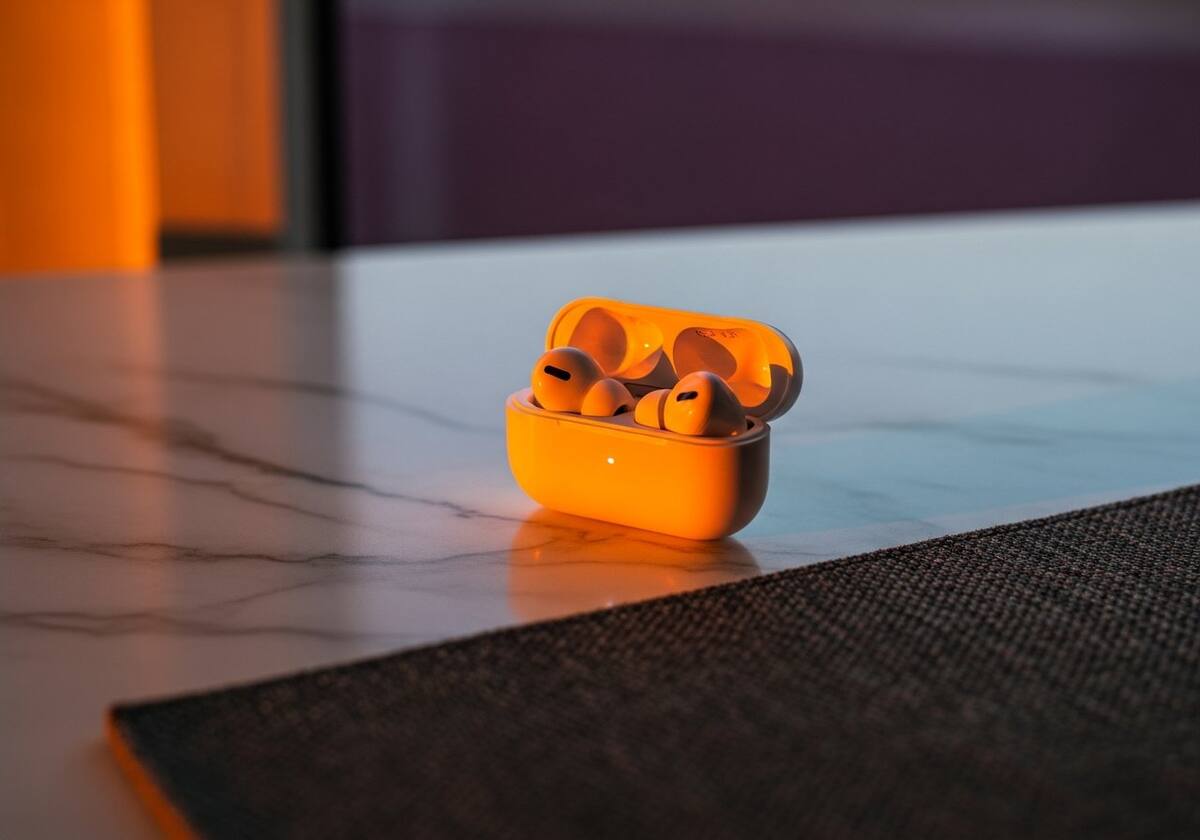
Bluetooth audio quality depends on which profile is active. A2DP is the high-quality stereo profile used for music; HFP (Hands-Free Profile) is the lower-quality two-way profile used the moment a microphone activates. The driver switches between them automatically — and that switch is exactly when audio quality drops, because HFP has nowhere near the bandwidth of A2DP.
Modern codecs like aptX, LDAC, and LC3 add another wrinkle: both the headphones and the OS's Bluetooth driver must support the same codec for the higher-quality option to be used. Older drivers often fall back to the basic SBC codec without telling you.
Most Bluetooth problems are not caused by the radio — they are caused by the pairing record stored in the OS becoming stale. The headphones think they are paired but the OS thinks they are not, or vice versa, and neither side can complete the handshake.
The fix is almost always the same: forget the device on both ends, then pair fresh. If that fails, an updated Bluetooth driver from the laptop or motherboard maker is the next step. Almost no one needs to touch firmware.
The questions readers send us most often about bluetooth drivers.
Your Bluetooth driver switches from the high-quality A2DP audio profile to the lower-quality HFP profile to enable two-way voice. It is a Bluetooth limitation, not your headphones.
They can compete for the same 2.4 GHz spectrum used by Wi-Fi and microwaves. Modern drivers use frequency hopping to minimize this, but a busy environment can still cause stutters.
It is a different layer in the same stack. A modern Bluetooth driver supports both classic Bluetooth and Bluetooth Low Energy (LE), routing each kind of connection to the right profile handlers.
This is one of twelve driver categories explained on PrintSoftDriver. Browse the rest, or jump straight into a fix walkthrough if something isn't working.