Laptop Audio Codec Drivers, Demystified
How a laptop audio codec driver fits between your operating system and the speakers, and what to do when sound suddenly disappears.

How a laptop audio codec driver fits between your operating system and the speakers, and what to do when sound suddenly disappears.
This category of audio chip ships in a smaller share of laptops than the most common audio chipsets, but it is common on certain business-class models. The driver behaves similarly to the larger audio packages but exposes its features through a slightly different control panel.
This audio chipset family has been acquired and re-acquired over the years, and the brand has changed hands several times over the years. New driver releases are still issued through laptop OEM support pages, and the codec name in Windows often still appears under a generic codec label.
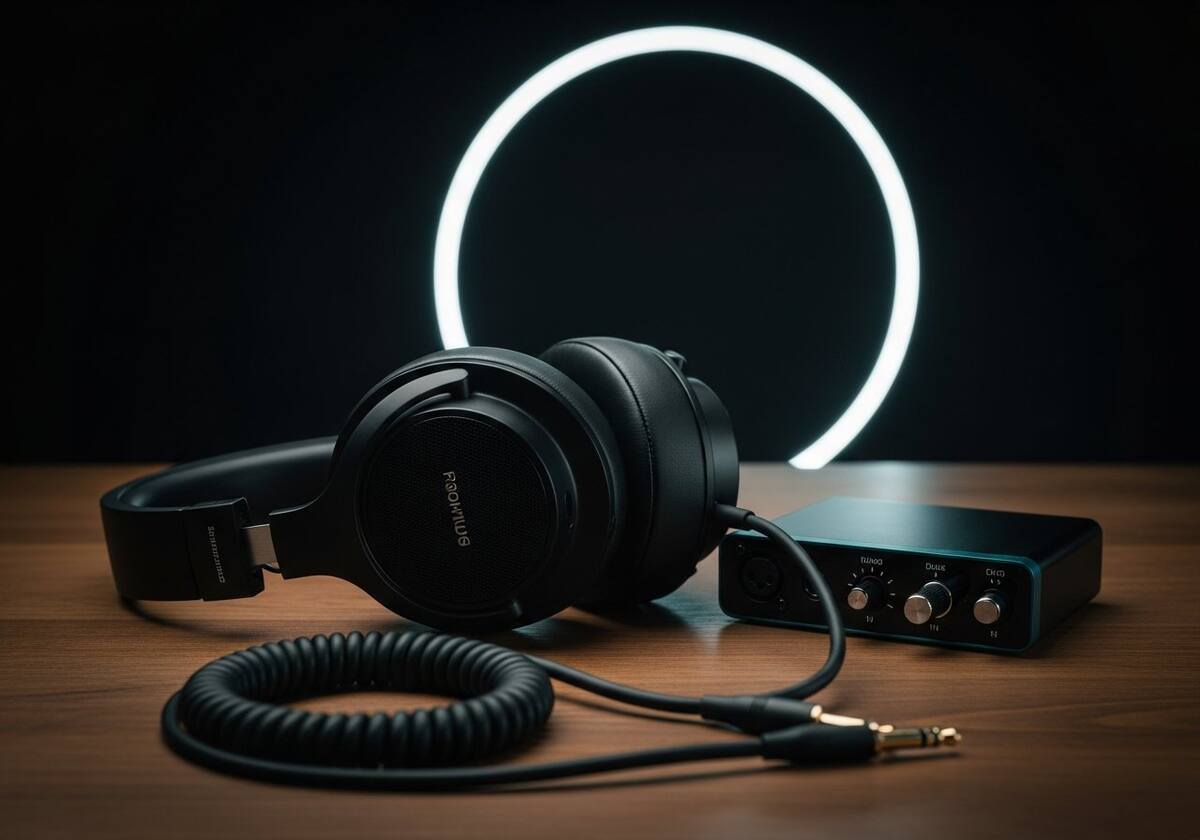
Audio driver updates rarely come with the fanfare of GPU drivers, but they quietly fix real problems — popping during sleep/wake cycles, microphone gain inconsistencies, support for newer Bluetooth codecs, and security fixes that sit deep in the audio stack.
Updates usually arrive via Windows Update on most laptops, since manufacturers package the audio driver with their own branding overlay (audio control panels and so on). You can almost always get the underlying codec driver from Windows' own catalogue if needed.

If you reinstall Windows, the operating system often loads a generic high-definition audio driver. This produces sound — but features like equalisers, surround sound enhancement, and microphone noise suppression typically require the OEM-supplied audio driver from your laptop manufacturer.
That is why a freshly reinstalled laptop often sounds slightly worse than it did out of the box. Reinstalling the manufacturer's audio package usually restores the missing presets and special effects.
The questions readers send us most often on this topic.
Yes — it is the legitimate audio control surface that ships on systems using this codec family. It loads at startup to expose audio settings.
No — the codec chip on your motherboard determines which driver works. Drivers are not interchangeable across vendors.
From your laptop manufacturer's support page. The audio chipset family does not run its own consumer download portal.
Hand-picked articles that pair well with this one.
Browse our audio overviews and walkthroughs in plain English.